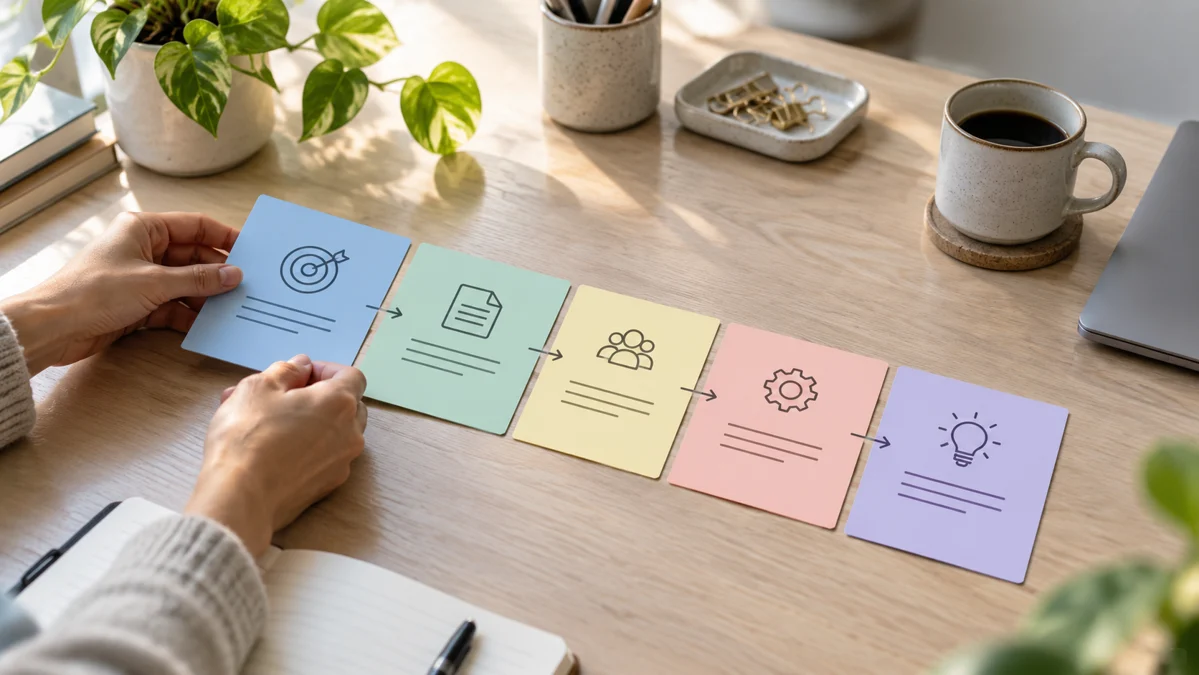
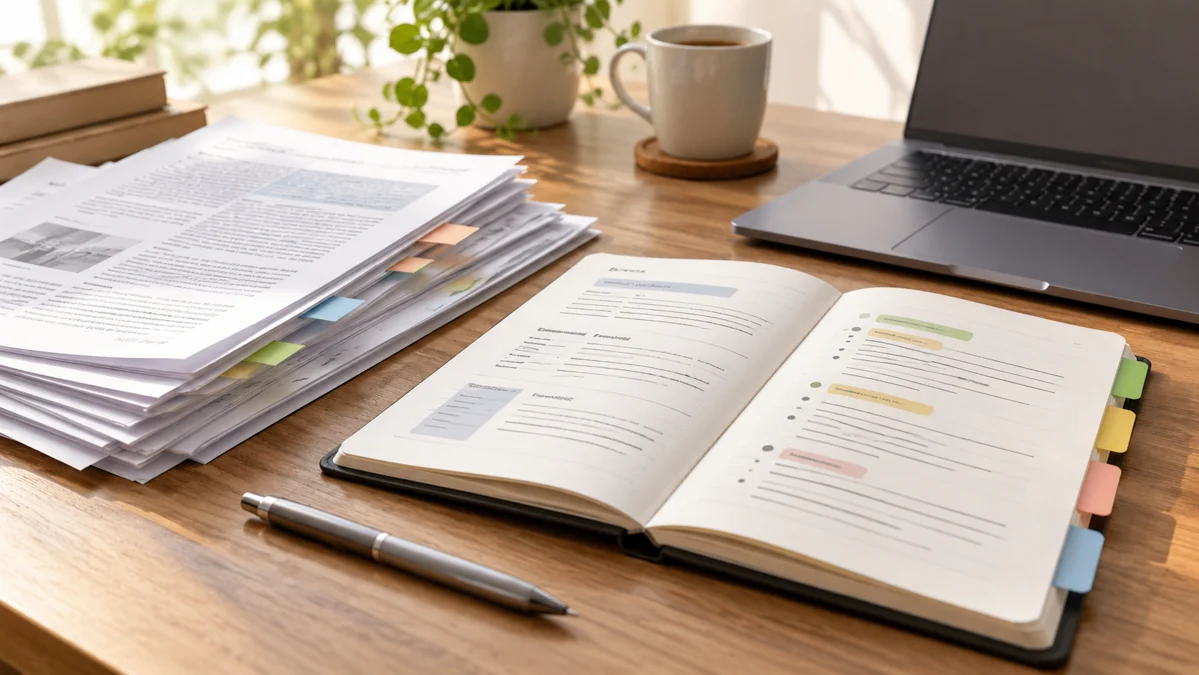
A PDF summary should make a document easier to navigate without removing the details that change its meaning. ChatGPT can help identify themes, extract action items, and explain unfamiliar passages when the document is available to it. The difficulty is deciding what deserves to survive compression. A short summary that omits exceptions, definitions, or scope boundaries may be easier to read and less useful at the same time.
Consider a team receiving a lengthy project brief with requirements, optional ideas, and several unresolved questions. They need an overview before planning work, but they must not treat every suggestion as an approved requirement. This guide shows how to prepare the document, define the summary's purpose, preserve important distinctions, and verify the result against the original. The same method applies to reports, manuals, and research readings.
Define what the summary is for
Tell ChatGPT who will use the summary and what they need to do afterward. A manager deciding whether to accept a project needs scope and risks. A designer preparing a concept needs product facts and visual requirements. A student reviewing a reading needs the argument, evidence, and key definitions. Those purposes produce different useful summaries of the same document.
Specify the output structure. For a project brief, request confirmed requirements, optional suggestions, missing information, and decisions needed. Ask for source locations for important points. If the document has printed page numbers that differ from the PDF viewer's page count, explain which reference system you want. A citation is useful only when another person can find the passage reliably.
Check the document before summarizing
Open the PDF yourself and inspect a few pages. Is the text selectable, or is it a scan? Are tables, diagrams, and footnotes important? A document can appear readable while some content is stored as images or arranged in complex columns. Tell the assistant when an image or table matters and ask it to state anything it cannot read confidently.
Do not assume that every upload method, plan, or tool handles every document identically. If extraction seems incomplete, work with smaller sections or provide a checked excerpt. Preserve the original file and avoid replacing it with a generated summary. The summary is an aid to reading and decisions, while the original remains the reference for what the document actually says.
Ask for a document map first
For a long document, start with its structure: sections, major topics, and where important information appears. A document map helps you decide which parts deserve deeper attention. Ask the assistant to identify repeated sections and appendices without assuming they are redundant. An appendix may contain the specification that qualifies a broad statement in the introduction.
Then request a summary of the sections relevant to your decision. This staged approach reduces the chance that a single broad summary hides a critical detail. If the document compares several options, preserve the comparison criteria rather than only the recommended option. The research verification guide explains how to connect each important claim to supporting evidence.
Use a source-preserving prompt
Summarize this project brief for a manager preparing the work plan. First map the document's sections. Then list confirmed requirements, optional suggestions, unresolved questions, and decisions needed. Preserve quantities, dimensions, dates, exceptions, and scope boundaries exactly where they affect the work. Give a source location for each important item. If a passage or table is unreadable, flag it rather than guessing.
Read the response alongside the original. If the assistant lists “include lifestyle photography” as a requirement, confirm whether the brief says it is mandatory or only a possible idea. The prompting guide helps you keep the document, interpretation rules, and requested output separate in this kind of task.
Preserve definitions and conditions
Words such as “must,” “may,” “unless,” and “subject to” can change the practical meaning of a sentence. A requirement that applies only to a particular configuration should not become a universal requirement in the summary. Ask ChatGPT to retain conditions and identify terms defined by the document. Then verify those terms in their original context.
For a research paper, distinguish the authors' findings from their interpretation and limitations. For a manual, retain the conditions under which a procedure applies. For a project brief, keep exclusions and dependencies visible. Summarization is not simply removing words; it is choosing which relationships must remain understandable after the wording becomes shorter.
Handle tables and numbers as separate checks
Important tables deserve explicit verification. Ask for the relevant row, column heading, unit, and any footnote. A value copied without its unit can become misleading. A total may include only part of the table. If the summary contains calculations, reconstruct a few examples independently rather than trusting the narrative description.
When the document supports a spreadsheet task, move the checked values into a structured table and validate the calculation rules. The Excel formula guide shows how to test inputs and expected results. Keep extraction and calculation as separate steps so you can tell whether an error came from reading the document or processing the values.
Turn the summary into questions and actions
After verifying the main points, ask what decisions the document requires. For the project brief, the team may need confirmed dimensions, an approved image sequence, and clarification about optional work. Put each question next to the passage that created it. That makes it easier to send a focused clarification request instead of asking the client to explain the entire document again.
For an internal action list, record the action, owner, dependency, and completion evidence. Avoid inventing deadlines that the document does not provide. If a date needs agreement, label it as pending. A summary becomes useful when it supports the next task while preserving uncertainty that still needs a human decision.
Keep a final verification checklist
Before using the summary, check names, numbers, dates, defined terms, exceptions, and source references. Compare several ordinary points and every high-impact point with the original. If the document changes, regenerate or revise the summary from the new version and label which version it describes. An accurate summary of an old file may be wrong for the current project.
Store the summary with a link or reference to the original and a note about its intended use. Do not present it as a substitute for professional review when the document has consequential legal, financial, or safety implications. ChatGPT can help you read efficiently, but the reliable result is a checked map of the document's meaning, including the conditions that a shorter description might otherwise lose.
Official resources and further reading
Use these official resources to check current interfaces and available features. The worked examples and checklists above are practical recommendations, not guarantees of a particular result.