
A good tutorial script helps a viewer complete a task. ChatGPT can organize the explanation, suggest transitions, and identify gaps in a demonstration, but the script should be built from a workflow you have actually checked. A confident narration cannot repair a missing step or an interface claim that is no longer accurate. Start with the viewer's goal and test the process before asking for polished wording.
Imagine a tutorial showing how to use ChatGPT to draft a client email from a short factual brief. The viewer needs to see the input, understand the prompt, inspect the generated draft, and learn how to check it. This guide turns that workflow into a practical video structure with a clear opening, purposeful demonstration, relevant visuals, and an ending that reinforces the skill.
Define the promise precisely
Write a one-sentence promise that the tutorial can honestly deliver. “Learn to draft and check a client email using your own facts” is specific. “Never struggle with communication again” is not something a short video can establish. The title, opening, and demonstration should make the same promise so the viewer understands what they will learn.
Identify the audience's starting level. A beginner may need to understand where to enter the prompt, while an experienced user may care more about the review method. Do not spend half the video explaining controls the audience already knows. Ask ChatGPT to identify what background knowledge the demonstration assumes and decide which assumptions you should explain.
Test the workflow before scripting
Perform the task yourself with a representative example. Record the actual inputs, steps, and any unexpected result. If the generated email invents a delivery date, keep that as a teaching moment: the viewer should see why checking matters. A tutorial that shows only a flawless output may leave beginners unprepared for the situations they will encounter.
Use anonymized or fictional project details clearly labeled as an example. Do not reveal private customer messages or account information while recording. If a feature depends on account access, state that availability can vary and focus on the general method. The professional email guide provides the checked workflow for this example.
Build a demonstration-led outline
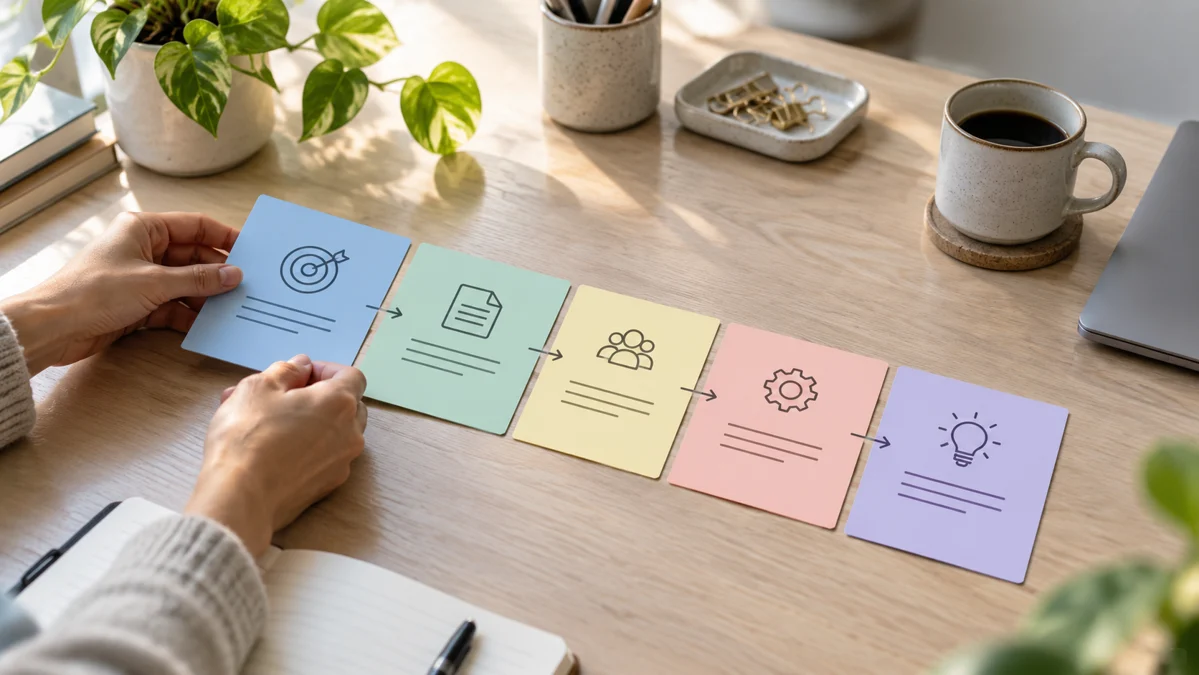
Structure the video around the task: define the goal, prepare the facts, write the prompt, inspect the response, revise one weakness, and check the final version. Each segment should answer a practical question. A long introduction about AI's importance delays the actual learning and may not help the viewer perform the task.
Ask ChatGPT to pair each narration section with what should appear on screen. A sentence about checking facts should show the source notes beside the generated message. A sentence about revision should show the specific follow-up instruction. This alignment prevents the video from becoming narration over unrelated footage. The viewer should be able to connect what they hear with what they see.
Use a tutorial scripting prompt
Write a clear tutorial script from the tested workflow below. The viewer is a beginner who wants to draft a client email without inventing facts. Use a short opening that states the outcome, then organize the demonstration into preparation, prompting, review, revision, and final checks. Pair each section with an on-screen action. Do not add untested features, exaggerated promises, or performance statistics. Keep the language easy to say aloud.
Read the script aloud and remove sentences that sound unnatural in your voice. A written paragraph can be clear on a page and awkward when spoken. The writing guide helps separate structure, clarity, and voice so revisions do not accidentally change the factual demonstration.
Show the reasoning behind key choices
Explain why the prompt includes particular facts and restrictions. For example, the instruction not to promise a delivery date matters because the date is unconfirmed. The viewer should learn to adapt that principle to their own task. Simply telling them to copy a prompt creates dependence on the template and may fail when the situation differs.
When the response has a weakness, identify it specifically. “This sounds wrong” is less useful than “the second sentence presents an estimate as a guarantee.” Show the correction and check whether it actually fixes the problem. Those moments make the tutorial more educational than a sequence of button clicks with no explanation of judgment.
Plan visuals that carry information
Use screen recordings for interface actions, simple callouts for important inputs, and brief examples for comparisons. Avoid decorative graphics that compete with a formula, sentence, or instruction the viewer needs to read. Keep text readable at a small viewing size, and allow enough time for the viewer to inspect the relevant section.
If you create a thumbnail, make it represent the real tutorial promise. A dramatic visual can attract attention, but it should not imply a result the video never demonstrates. The Canva social graphics guide can help organize a clear visual brief. Give each visual one main job and review whether it supports the lesson.
Edit for clarity rather than speed alone
Remove repeated explanations and pauses that do not help learning, but keep the steps needed to reproduce the task. A jump cut that skips a required input can confuse viewers even if the video feels faster. Check the final edit against the workflow outline and make sure every promised stage appears.
Review captions, tool names, and numbers carefully. Automatic captions can misread technical terms or proper names. The CapCut caption guide provides a process for checking accuracy and small-screen readability. A caption that changes “do not include” to “include” can reverse an instruction, so corrections are part of the tutorial's factual review.
Finish with an independent next step
End by asking the viewer to try the workflow on a small task of their own. Remind them what to prepare and how to check the result. Link to a supporting article with the prompt template and review checklist when available. The conclusion should reinforce the skill rather than introduce a new topic that needs another explanation.
Before publishing, watch the video as a beginner and attempt the task using only the instructions shown. Confirm that the title, description, script, visuals, and resources agree. ChatGPT can accelerate drafting, but a durable tutorial comes from a tested workflow, a clear educational promise, and enough visible reasoning for viewers to adapt the method responsibly.
Official resources and further reading
Use these official resources to check current interfaces and available features. The worked examples and checklists above are practical recommendations, not guarantees of a particular result.