
Reviewed 6 October 2026. Product statements are grounded in the linked documentation. Workflows and fictional examples are editorial guidance.
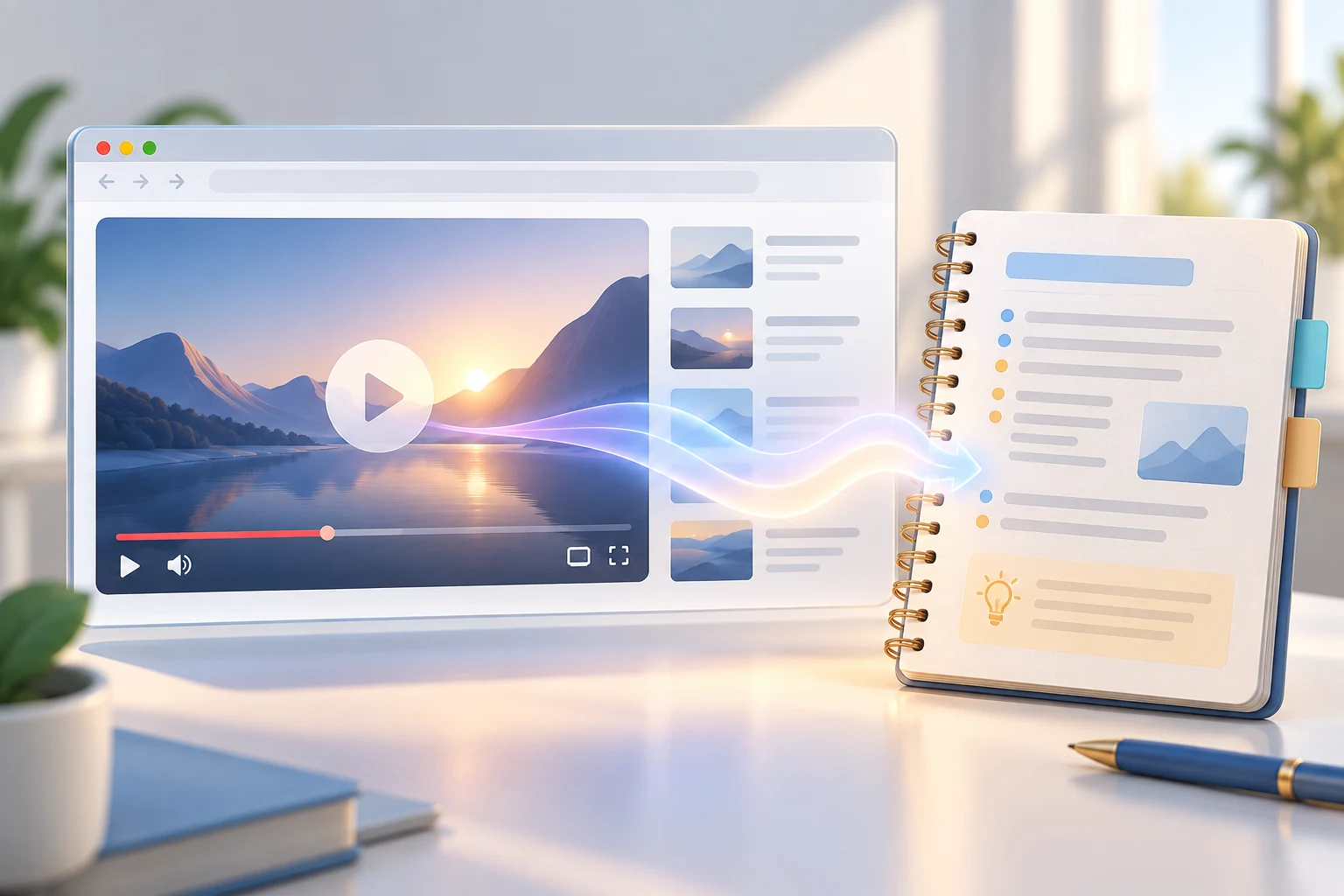
Original AI-generated concept illustration.
Turn media into notes you can verify
Long videos and podcasts contain useful explanations, but finding a specific detail later can be difficult. A browser assistant can help organize what you have watched or heard into notes, questions, and follow-up research. The strongest workflow preserves the distinction between what the speaker said and what you concluded. That matters when the media contains predictions, promotional claims, or informal descriptions of a product update.
Google's Chrome help documents questions about audio and video already played on media websites, a Media understanding setting, and gradual availability with account and platform conditions. This supports a focused workflow for reviewing played content. It is not a guarantee that the assistant can inspect every unwatched video, bypass a private page, or produce a complete accurate transcript. Check current eligibility and controls in the official help before depending on the feature.
Documentation: Gemini in Chrome official help.
Start with a clear research question
Decide what you need from the media before asking for a summary. A useful question might be: which setup steps are demonstrated, which product claims require verification, and what limitations are mentioned? That is more actionable than summarize everything. If you want to write an article, ask for a topic brief and an evidence checklist rather than a finished factual article based only on the video. The original media is a lead to investigate.
For a fictional tutorial about an automation tool, your question could focus on installation requirements, demonstrated actions, and failure recovery. Separate those from claims about time savings or revenue. A demonstration may show one successful run without establishing typical performance. Put that distinction into the prompt so the notes do not turn a persuasive presentation into a general promise. Define the intended use of the notes: personal learning, internal research, or public writing.
Check what content is available
Use the current supported browser and account setup. Confirm that the relevant tab is shared with the assistant and that media understanding is enabled where available. Play the portion you intend to discuss. Ask a narrow question about an obvious detail from that portion and compare the answer with what you observed. This quick check helps establish whether the assistant is actually working with the relevant content or responding from general background knowledge.
If the feature is unavailable, do not assume that refreshing indefinitely will activate it. Consult the eligibility page and administrator settings when relevant. A permitted transcript or your own notes can support a manual workflow. Make clear which input the assistant used. The quality of the research depends on knowing whether the answer came from played media, a transcript, page text, or a broader search. Those sources have different strengths and limitations.
Create a structured first-pass note
Ask for four sections: main topic, demonstrated steps, claims to verify, and unanswered questions. Keep the first pass short. Require the assistant to distinguish a direct statement from an inference. If it supplies a time reference, check that reference in the player before relying on it. Do not ask it to invent timestamps when none are available. A useful note remains connected to the source and avoids adding details solely to make the summary look complete.
Include a source record with the media title, URL, and date checked. Preserve relevant publication dates separately from your viewing date. A video watched today may describe an older release. If the speaker refers to a forthcoming feature, keep it labeled as forthcoming until another source confirms availability. This simple dating discipline prevents research notes from turning announcements, predictions, and later product changes into one confusing timeline.
Verify important product claims
Open the official product documentation or release announcement for claims you intend to publish. Check model names, access conditions, supported platforms, and pricing. If the official source does not confirm a claim, leave it unresolved or omit it from the article. A browser-generated summary does not become stronger evidence merely because it is concise. Keep source links beside the claims they support so a reviewer can inspect the connection quickly.
Separate instructions from recommendations. A tutorial might recommend a particular configuration, while official documentation lists several supported options. Explain the tutorial's demonstrated choice without presenting it as the only valid method. If the product interface differs from the video, follow current documentation and note the difference in your research. Avoid forcing the present setup to match an older demonstration simply to preserve a step-by-step narrative.
Convert notes into original learning material
Once facts are checked, create your own explanation around a reader's task. Use an original fictional example, a clear decision process, and a review checklist. Do not reproduce the video's script or promotional sequence. If you are learning, ask for questions that test your understanding of the demonstrated method. Answer them without looking at the summary, then return to the relevant media section when a concept remains unclear.
For a tutorial about automating reports, your original exercise could use a small fictional task list with one missing field. Explain what the workflow should do when that field is absent. This adds practical value beyond retelling the demonstration. Keep the example labeled as an exercise rather than a measured result. The assistant can help organize the lesson, but the reader should still understand which statements describe product behavior and which describe your suggested approach.
Avoid confusing fluency with fidelity
Read the notes for details that sound plausible but were not in the media. Common problems include invented feature names, exaggerated speed claims, and overly specific setup steps. Ask the assistant to identify uncertainty instead of polishing it away. Compare the final outline with the original research question. If the answer drifted into a broad overview, narrow the task and request only the evidence needed for that question.
For important passages, replay the media directly. Check quotations against the source before using them, and prefer your own concise paraphrase when a quote is unnecessary. Respect access and reuse conditions for the content. A summary is most useful when it helps you return to the relevant evidence, not when it replaces every encounter with the original. Maintain that habit especially for complex technical explanations or time-sensitive announcements.
Keep a reusable research notebook
Save notes by topic with the source record, checked claims, and remaining questions. Link related notes rather than copying the same product fact repeatedly. When the product changes, update the authoritative fact note and preserve the original video's date. This gives future writing a clearer foundation and helps you avoid publishing an old limitation as if it still applies. Archive notes that no longer answer an active question.
Review the workflow after several sessions. Did the assistant help locate details, clarify concepts, or identify claims requiring another source? Did it create extra corrections? Compare the time spent reviewing with the time saved navigating the media. Use the feature for the jobs it performs well and retain direct source inspection for consequential claims. That balance turns media understanding into a practical research aid with an evidence trail you can trust and repair.
Frequently asked questions
Can Gemini answer questions about any unwatched video?
The checked Chrome help describes audio and video already played. Do not assume access to every unwatched or restricted item; test the relevant supported surface.
Should I publish an article directly from a summary?
Verify product claims with primary sources first. Then write an original explanation with examples and a clear distinction between confirmed facts and editorial guidance.
What if a timestamp seems wrong?
Check it in the player. Keep an unverified time reference out of public writing rather than treating a precise-looking number as proof.
How do I handle an unavailable feature?
Check current eligibility and account controls. Where permitted, use a transcript or your own notes as an explicit manual input instead of assuming the browser can access the media.
Resources and related articles
Continue with Gemini Skills: Turn Repeated Prompts into Reliable Instructions, Combine AI Agents into a Content Workflow You Can Review, or Gemini Deep Research: Build Reports You Can Verify.