
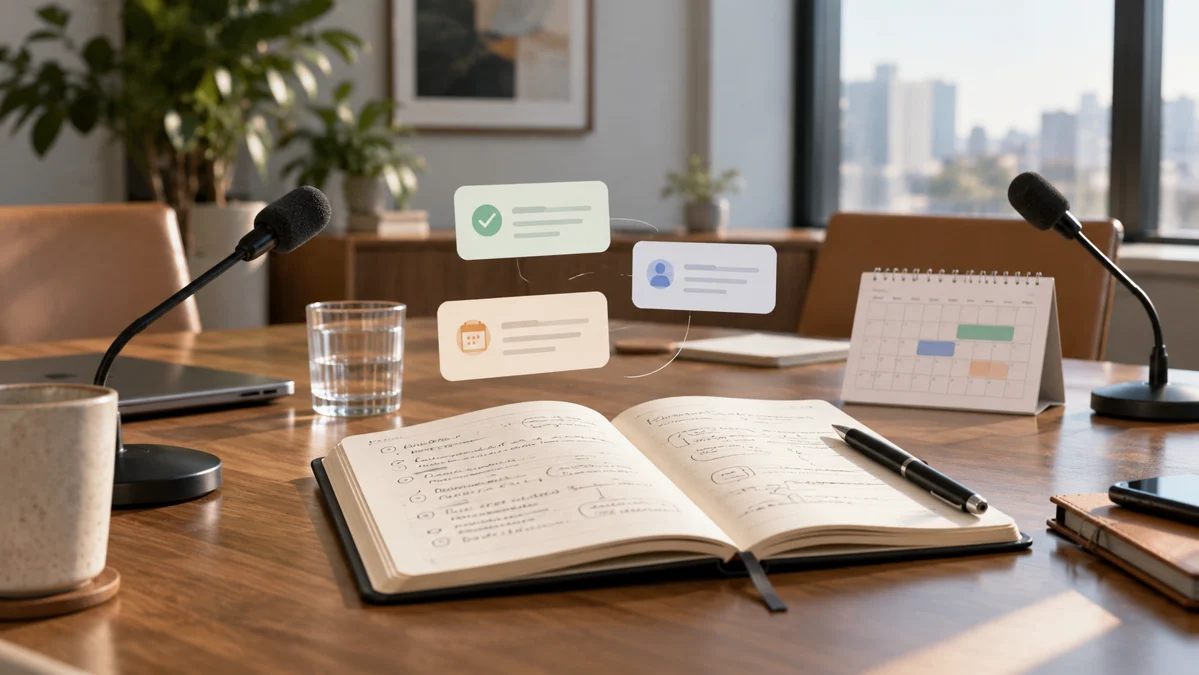
Meeting notes are useful when they preserve decisions, unanswered questions, and actions that people can follow. A polished paragraph describing a productive discussion may not help anyone know what to do next. ChatGPT can turn rough notes or a permitted transcript into a clearer record, but it should not invent agreement, ownership, or deadlines. The key is distinguishing what participants discussed from what they actually decided.
Imagine a design team reviewing a project with a client. The conversation includes approval of one concept, a suggestion for a new image, and a question about product dimensions. A useful record should identify the approved concept, leave the new image as a proposal unless it was accepted, and assign a follow-up for the missing dimensions. This guide turns that distinction into a repeatable meeting-notes workflow.
Prepare the record around the meeting's purpose
Before the meeting, write down the decisions you expect to make. A concept review might need agreement on visual direction, confirmation of product facts, and a plan for revisions. Those headings can guide your notes. You do not need to capture every sentence if the purpose is a practical action record, but you do need enough context to explain important decisions.
If you record or transcribe a meeting, follow the applicable consent and workplace requirements. Use only material you are authorized to share with the assistant. Remove unrelated personal information where it is not needed for the task. The record should support the project without turning every casual remark into permanent information distributed beyond the intended audience.
Label notes before asking for a summary
Separate decisions, suggestions, questions, and actions as clearly as possible. You might write “Decision: concept B approved,” “Suggestion: consider a packaging image,” and “Question: confirm assembled dimensions.” If a note is uncertain, mark it uncertain. A rough label is better than letting a polished summary silently resolve the ambiguity.
Include the speaker or responsible role when it matters. “We will send dimensions” could refer to the client, account manager, or manufacturer. If the owner was not agreed, state that. ChatGPT can organize unclear notes, but it cannot reliably determine who accepted responsibility from a fragment that never recorded the agreement.
Request separate decisions and action items
Ask for a brief overview followed by a decision log and an action table. A decision log records what was agreed and any condition attached to it. An action table records the task, owner, due date if agreed, dependency, and evidence of completion. Use “not agreed” for missing details rather than filling every cell with a guess.
For the dimension question, the action might be “Client to provide assembled height, width, and depth in centimeters.” If no deadline was stated, leave the date open for confirmation. The project planning guide explains how those dependencies affect the remaining schedule. An action item becomes easier to manage when its connection to the work is explicit.
Try a meeting-notes prompt
Turn these rough notes into a reviewable meeting record. Separate confirmed decisions, suggestions, open questions, and action items. For every action, include the owner, agreed deadline, dependency, and completion evidence if the notes provide them. Do not infer approval from a positive comment or invent missing dates. Mark ambiguous statements for clarification. Keep the summary short enough to share with the participants for confirmation.
After the draft, ask the assistant to list any statements it interpreted rather than copied directly from the notes. Check those interpretations first. The prompting method helps establish these rules consistently when you reuse the workflow for different meetings.
Keep conditional approval visible
A client might say, “This direction works if the headline is shorter.” The approval is conditional; the final concept still needs that change. A summary that says only “concept approved” can lead the team to skip the revision. Ask ChatGPT to preserve the condition beside the approval and identify what would demonstrate that the condition has been satisfied.
Similarly, “we could add another image” is a proposal, not necessarily an approved scope change. Record the decision needed and any potential effect on cost or schedule without inventing the outcome. Meeting notes should make it easier to resolve those questions, not create apparent agreement that participants never reached.
Confirm the record with participants
Send a concise record through the appropriate channel when your workflow calls for confirmation. Ask participants to correct decisions, owners, or dates that do not match their understanding. ChatGPT can draft the message, but you should choose the recipients and review the content before sending. A record gains value when the people responsible for the work can inspect and correct it.
For the message itself, use the professional email guide. State what needs confirmation and by when, if that deadline is genuinely appropriate. Avoid treating silence as automatic approval unless your agreed process explicitly defines that behavior. Clear confirmation rules reduce the chance that an ambiguous record becomes a disputed commitment.
Transfer actions into the working system
A meeting record is not the same as a task system. Move confirmed actions into the place your team actually checks, with the correct project, owner, and due date. Keep a link or reference to the meeting record so someone can understand why the task exists. Do not create a second disconnected list that nobody maintains.
When several actions depend on one another, show the order. The designer may need dimensions before completing the image, and the manager may need that image before final review. If a task changes later, update the working system and note the reason. The original meeting record can remain a record of the discussion while the task system reflects current execution.
Review recurring meetings for better records
Look at the next meeting and ask whether the previous actions were completed, blocked, or no longer needed. Use the same categories so changes are easy to compare. A task that remains open should have a reason and a next step. Repeatedly copying it into new notes without examining the blocker creates the appearance of tracking without progress.
Keep your template small enough to use during an actual conversation. Decisions, conditions, questions, owners, dates, and completion evidence usually matter more than decorative formatting. ChatGPT can reduce the effort of organizing the record, but dependable meeting notes still require careful source notes, explicit uncertainty, participant confirmation where appropriate, and a connection to the system that drives the work.
Official resources and further reading
Use these official resources to check current interfaces and available features. The worked examples and checklists above are practical recommendations, not guarantees of a particular result.