
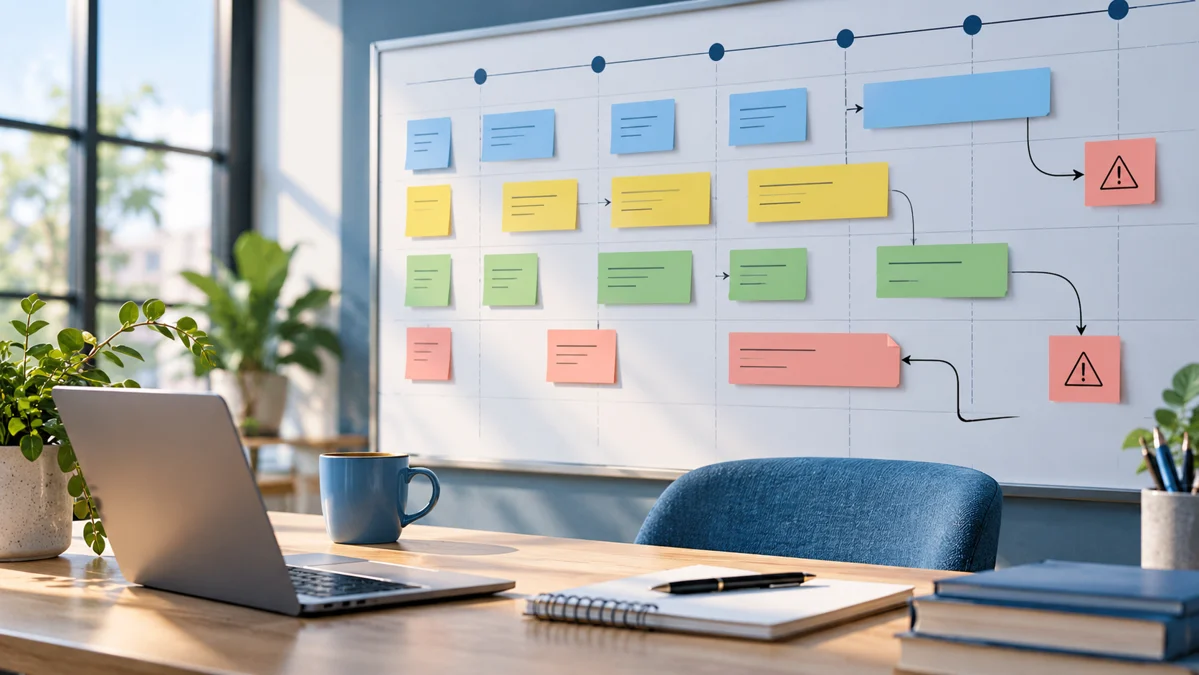
Project planning turns an intended result into coordinated work. ChatGPT can help draft a scope statement, identify dependencies, and propose questions you should resolve before assigning tasks. It cannot know your team's actual capacity or turn an uncertain deadline into a dependable commitment. A useful plan keeps assumptions visible and gives people a clear way to tell when the work is complete.
Imagine an agency preparing seven product listing images for a client. The project involves research, copy, design, review, and final file delivery. A generic task list may name those stages without showing what each stage needs or who approves it. This guide builds a practical plan from the deliverables outward, using a concrete example and separating confirmed requirements from choices that still need agreement.
Define the deliverable and acceptance criteria
Start with what the client will receive. Specify the number of images, dimensions, file formats, and the product information they must communicate. Include what is outside the agreed scope. If lifestyle photography is not included, the plan should not quietly introduce it as a task. ChatGPT should use your approved brief rather than inventing a complete service package.
Define acceptance criteria that someone can inspect. “Professional images” is subjective. “Each image uses approved product facts, the dimension graphic matches the specification sheet, and headlines remain readable at the review size” is more useful. Ask the assistant to identify criteria that lack a source or an approver. Resolve those gaps before treating the plan as ready for execution.
Break the work into meaningful tasks
A task should produce a clear result, not merely describe activity. “Research product” is vague; “prepare a checked product fact sheet with unresolved questions” has an output. “Design images” may be too large for tracking; a concept draft, a complete sequence, and a revision round are distinct outputs with different review needs.
Ask ChatGPT to propose tasks based on the deliverables and acceptance criteria. Then remove unnecessary stages and combine steps that your team actually performs together. Do not create an elaborate plan just because the assistant can generate many tasks. The right level of detail makes progress and blockers visible without requiring people to maintain a second job's worth of administration.
Map dependencies before setting dates
Identify what each task needs to begin. The dimension image needs confirmed measurements. Copywriting needs product facts. Final review needs the complete image sequence and the approved brief. A task can be assigned while still blocked, but the plan should show the blocker explicitly so the owner is not mistaken for the cause of the delay.
Distinguish work that can happen in parallel from work that depends on an earlier decision. A designer may prepare a layout while measurements are pending, but the layout cannot be considered final. The meeting notes workflow helps convert review discussions into confirmed decisions and actions that can update those dependencies.
Use a planning prompt with clear boundaries
Help me plan a seven-image product design project using the approved scope below. For each task, propose its output, required input, owner role, dependency, and acceptance check. Do not invent dates, staff availability, or client approval. List unresolved questions separately. Identify which tasks can proceed in parallel and which must wait for confirmed product information. Keep the plan practical for a small team.
Review the proposed roles against your actual team. A role labeled “quality manager” may need to be performed by the project manager rather than a separate employee. For clearer instructions, the repeatable prompting guide shows how to keep the scope, constraints, and requested output distinct.
Estimate using evidence and capacity
Use previous comparable work to estimate effort where you have reliable records. Distinguish effort from elapsed time. Two hours of design work does not mean a task will finish two hours after assignment when the designer has other projects or needs client input. State assumptions about availability and turnaround time explicitly.
Ask ChatGPT to help structure the estimate rather than invent it. You can supply past durations, current workload, and review windows, then request a table showing assumptions and uncertainty. If no historical data exists, begin with a limited estimate and record actual results. The data analysis guide explains how to turn those records into useful planning evidence later.
Record risks as conditions and responses
A practical risk entry names the uncertain event, its likely effect, and what you will do if it occurs. “Client delay” is broad. “If measurements arrive after concept review, the dimension image cannot be finalized; confirm the remaining schedule when the measurements arrive” connects the risk to the plan.
Do not confuse a risk with a problem that has already happened. A missing specification today is a current blocker and needs action. A possible late approval next week is a risk and needs preparation. Ask the assistant to distinguish those categories and identify the owner of each response. This keeps the plan from treating present obstacles as hypothetical concerns.
Create a review and change process
Define who checks each output and what evidence they use. A copy reviewer may check claims against the product fact sheet, while a design reviewer checks layout and readability. State what happens when feedback conflicts or adds work beyond the approved scope. The team should know whether to revise immediately or ask for a scope decision.
Keep changes visible in the working system. If a client adds an image, update the deliverables, dependencies, effort assumptions, and schedule as appropriate. Avoid simply appending a task while leaving the original plan's commitments untouched. The SOP guide can help document this review process so it remains consistent across projects.
Turn the draft into an operational plan
Move approved tasks into the system your team uses, with real owners and current dates. Keep the planning conversation as supporting material rather than the only place the plan exists. At each check-in, review completed outputs, blockers, upcoming dependencies, and decisions needed. Update the plan when the facts change.
After delivery, compare the assumptions with what happened. Identify which missing inputs, review loops, or capacity constraints mattered most. Use that information to improve the next project template. ChatGPT can accelerate planning discussions, but an effective project plan remains a checked agreement about scope, ownership, sequence, capacity, and the evidence that shows the work is complete.
Official resources and further reading
Use these official resources to check current interfaces and available features. The worked examples and checklists above are practical recommendations, not guarantees of a particular result.