Updated October 5, 2026. A practical guide to Ornith, with examples, FAQs and official resources. Check the linked product documentation for current access, setup and limitations.
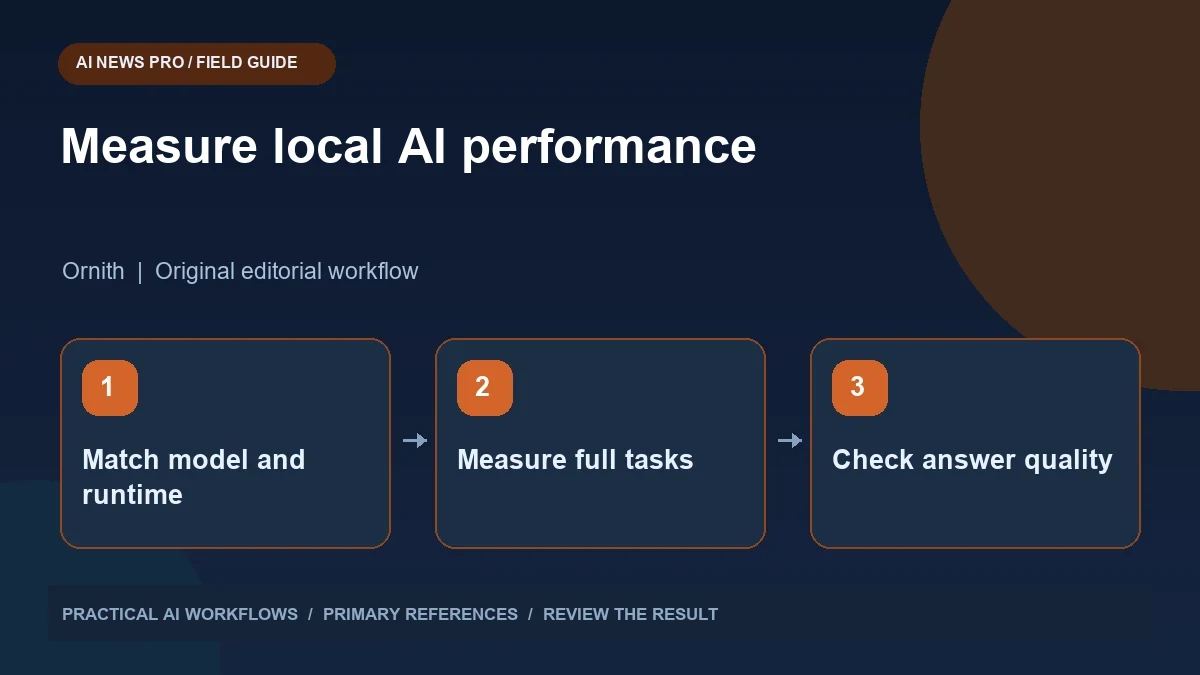
Illustration: an original editorial workflow graphic created for this article.
Why this combination is getting attention
Ornith 1.5 and DFlash are worth evaluating as a specific model and inference configuration for local workloads. The official Ornith repository describes reasoning models and a self-improvement training approach, while the project's model collection includes matching DFlash components. These are specific implementation choices rather than a general speed switch for every AI application. Before adopting the combination, identify the supported runtime, model files, hardware requirements, and representative tasks. Measure correctness alongside elapsed time, and keep the comparison reproducible. This guide explains how to build that evaluation so an impressive throughput claim becomes evidence about the work your own computer actually needs to complete.
The practical distinction is between generating tokens quickly and completing your task quickly. A faster model can still spend longer producing an answer you must repair. A speed multiplier from a particular setup may not transfer to your hardware, context length, or workload. Rather than choosing a tool from a headline alone, build a small evaluation using the tasks you actually need. This guide outlines that process without assuming that every reader has a large GPU or the same inference stack.
Separate the model, draft model, and serving software
A local AI setup has several layers. The target model produces the answer. A draft component can propose tokens that the target model checks. The serving runtime implements the inference process and exposes an interface your application can call. The model files, quantization, runtime version, and supported acceleration must work together.
DFlash research explores parallel drafting for speculative decoding. The important operational question is whether your chosen runtime supports the correct pairing and configuration. A similarly named draft checkpoint is not automatically compatible with every target checkpoint. Record the exact model identifiers and revisions from the official materials. Read the model card and installation requirements before downloading large files. If the runtime does not support your intended configuration, comparing theoretical decoding speed will not tell you what your actual system can do.
Continue the workflow: Hugging Face Models: Choose and Evaluate an AI Tool.
Estimate memory needs before downloading
Model names alone do not establish whether a checkpoint will fit your computer. Memory requirements depend on precision, architecture, runtime overhead, and the space used for context. A mixture-of-experts model may activate only part of its parameters per token while still requiring storage for many more weights. The active parameter count is not the complete memory bill.
List your available system memory, GPU memory, and operating system. Identify the format supported by the runtime you plan to use. Leave room for the draft component, context cache, and other applications. Start with a configuration supported by the project rather than inventing a combination from different tutorials. If you must change quantization or offload to system memory, treat that as a new test setup and remeasure it. Performance results are meaningful only when their conditions are documented.
Build a task set that resembles your work
Create ten to twenty small tasks with known acceptance criteria. For a content workflow, include a sourced summary, a structured outline, and extraction of dates from a document. For coding, include a localized bug fix, an explanation of existing code, and a change that must pass an existing behavioral check. Add at least one task with deliberately incomplete information.
Run the same task set through your baseline and the accelerated configuration. Use equivalent prompts, context, and output requirements. Check that reasoning-related formatting does not break a parser expecting a simple JSON response. Measure successful completion as well as speed. An answer that arrives rapidly but fails your schema is not a completed extraction task. Keep the expected outputs or review rubric separate from the prompts so you do not accidentally teach the model the answer during evaluation.
Measure latency and correctness together
Track time to first visible output, total response time, and time until a usable result. The first number affects the feeling of responsiveness. The last number includes retries and correction work, which often matters more in a real workflow. Record prompt size, output size, and whether the runtime was already warm.
For structured extraction, calculate the number of required fields filled correctly. For a coding task, check the intended behavior and review unrelated changes. For summaries, count unsupported statements and important omissions. Repeat representative tasks more than once when results vary. Do not present a single best run as typical performance. If acceleration improves throughput but reduces the number of tasks completed correctly, decide whether that tradeoff serves your use case. Your deployment decision should reflect the whole workflow rather than a token counter alone.
Continue the workflow: Top 10 Open Source LLMs in 2026 for Commercial Use and Local Deployment.
A worked example to try
Use a fictional set of twenty support questions with known answers drawn from a small manual. Run the baseline model first and save the answers. Then evaluate the accelerated configuration using the same prompt and generation settings where possible. Separate startup time from generation time, and compare outputs for correctness as well as speed.
Include one question whose answer is not in the manual. A fast invented answer is a failure, not an improvement. Record the hardware, memory use, model files, and runtime version. If acceleration changes quality or consumes more memory than expected, investigate before choosing it for ordinary work. The result is a local decision based on your workload, rather than assuming a published speed figure will transfer unchanged to your computer.
Choose a deployment based on the result
A small team may benefit most from a stable, modest local setup for routine extraction while keeping difficult work on a different service. Another team may need faster decoding because many independent tasks run through the same model. These are different operating goals, so their preferred configuration can differ without either being wrong.
Preserve the tested configuration and keep a simple fallback. Save model revisions, runtime settings, representative prompts, and evaluation results. Recheck quality after upgrades instead of assuming a newer checkpoint behaves identically. Review the actual license before commercial deployment and follow the project's security guidance when exposing an endpoint. The reason to adopt Ornith and DFlash should be evidence that your own tasks finish accurately, reliably, and at an acceptable operating cost.
Frequently asked questions
Will the advertised speedup apply to my computer?
Not necessarily. Hardware, runtime, model pairing, quantization, and context length affect performance. Measure the supported configuration on your own workload before adopting a headline multiplier.
Is DFlash the same thing as Ornith?
No. Ornith is a model family, while DFlash concerns an inference acceleration approach. A deployment needs compatible model components and serving software.
Does a smaller active parameter count mean low memory use?
Not automatically. The weights that must be stored, context cache, runtime overhead, and draft component all affect memory requirements, especially with mixture-of-experts models.
What should I benchmark first?
Use a short set of representative tasks with clear acceptance criteria. Measure full completion time and correctness alongside token generation speed.
Can I use a local model commercially?
Check the exact checkpoint's license and any dependency terms. Do not assume that an open download or open repository grants every form of commercial use.
What makes an evaluation reproducible?
Record model revisions, runtime version, settings, hardware, prompts, and acceptance criteria. Repeat representative tasks and keep failures, not only the fastest successful example.
Resources and references
Use these links to verify capabilities, access and setup. Product documentation can change after this editorial check.