
A content calendar is useful when it helps you publish material your audience needs at a pace you can sustain. ChatGPT can suggest themes, organize ideas, and turn a list of topics into an editorial plan. The risk is creating an impressive schedule that ignores research, design, review, and the time available to do the work. A dependable calendar connects each idea to a purpose and a realistic production process.
Imagine a small AI tutorial channel that also publishes a blog. The creator wants evergreen material rather than constant reaction to product announcements. A useful plan might connect a practical tutorial, a supporting article, and a short social post without repeating the same content mechanically. This guide develops that plan from audience questions, distinct topics, production stages, and regular review.
Start with audience tasks and questions
List what your audience wants to accomplish. They may want to write a client email, understand spreadsheet formulas, or create a simple video script. Use actual comments, support questions, and your own experience to identify those needs. A calendar based only on broad keywords can produce many posts that sound different but answer the same question.
Ask ChatGPT to group questions into themes and identify overlap. For example, “write better prompts” and “get better answers” may belong to one foundational theme, while an email tutorial demonstrates that theme in a specific task. Keep the distinction visible. Your calendar should offer a path through the material rather than twenty isolated titles competing for the same purpose.
Define a useful outcome for every piece
For each topic, write what the viewer or reader should be able to do afterward. “Create a reviewable customer email from confirmed facts” is a concrete outcome. “Understand the power of AI” is too broad to guide an instructional article. Ask ChatGPT to suggest an example, a demonstration, and a check that would prove the content delivers the outcome.
Choose the format that suits the task. A video may be useful for showing an interface workflow, while an article can preserve a checklist or prompt template. Do not force every idea into every format. The YouTube script guide explains how to design a demonstration that teaches a specific task rather than merely describing benefits.
Separate durable guidance from changing details
An evergreen topic should remain useful when a button moves or a model name changes. Focus on the task, inputs, review method, and common mistakes. If the tutorial relies on a particular interface feature, label the relevant details and plan to recheck them. Do not describe changing plan limits as permanent facts.
Ask the assistant to flag parts of the outline likely to become outdated. A prompt-writing method may remain useful, while screenshots and access instructions need maintenance. Keep the original source links and the date checked. The research verification guide helps organize those source-dependent claims so updates are easier later.
Use a calendar planning prompt
Build a four-week content plan for beginners learning practical AI workflows. Use the audience questions below. For each piece, give the audience task, intended outcome, format, worked example, research needed, and production effort category. Avoid duplicate topics and unsupported claims about search volume. Assume I can publish only one substantial tutorial per week. Suggest supporting posts only when they add a distinct useful angle.
Review the plan against your actual capacity. If you can prepare one strong tutorial weekly, a calendar with daily long articles creates pressure rather than clarity. The project planning guide shows how to account for dependencies and review time before turning a proposed schedule into commitments.
Build production stages into the calendar
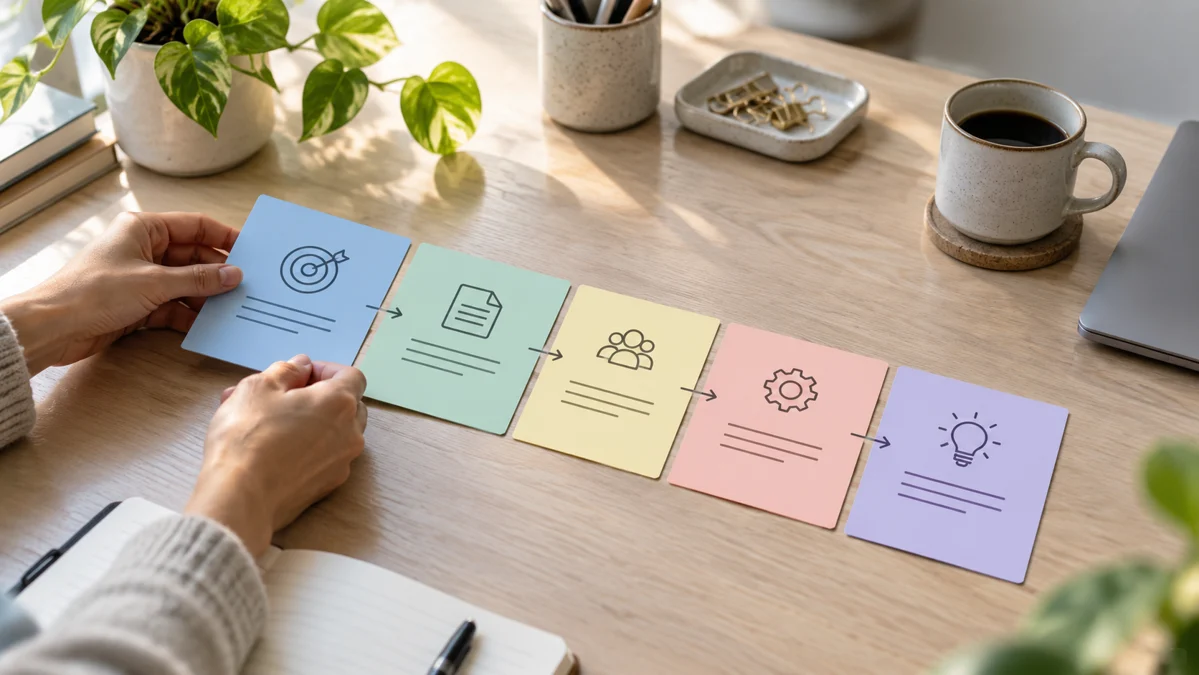
Publication is only the last stage. Each piece may need a brief, source research, outline, draft, images, editing, and final checks. Give those stages a place in the working system. A publish date without production tasks can hide the fact that the required screenshot or expert review is still missing.
Assign ownership where more than one person contributes. The writer should know when source notes are ready, and the designer should know which visual needs to communicate the main idea. Keep status labels clear: “drafted,” “reviewed,” and “scheduled” mean different things. ChatGPT can propose a structure, but the actual dates and responsibilities should reflect how your team works.
Link related pieces intentionally
A useful content series helps people move to the next relevant task. A beginner article can link to prompt writing, while an email tutorial can link to translation or customer support when those topics solve a natural follow-up question. Avoid adding every link to every article. Relevance matters more than the size of the related-content list.
Ask ChatGPT to map relationships between planned topics and explain why each link helps. Use descriptive anchor text so the destination is understandable. For example, link from a section about checking sources to a guide about research verification. Keep the map with the calendar and recheck links when slugs change. Internal linking is part of editorial planning, not only a last-minute publishing task.
Review performance against the content's purpose
Choose measures that fit the intended outcome. An instructional article might be judged by whether readers find the example useful, ask fewer repeated questions, or continue to a related guide. Audience size and engagement can matter, but they do not automatically prove that the tutorial taught the task well. Read comments for misunderstandings as well as praise.
Ask the assistant to organize feedback into topic gaps, clarity issues, and requests for follow-up content. Do not infer a causal explanation from one metric change. If a tutorial performs poorly, examine the title, audience fit, demonstration, and distribution before deciding the topic is unhelpful. The next useful improvement may be clearer framing rather than more frequent publishing.
Maintain a small reserve and an update queue
Keep a few researched ideas ready for busy weeks, but avoid filling the calendar with low-effort substitutes simply to preserve a schedule. Maintain a separate list of articles that need updated sources, screenshots, or examples. Evergreen content still requires maintenance; its advantage is that the underlying reader need remains useful over time.
At a regular review, remove redundant ideas and prioritize the questions your audience still cannot answer. Save reusable briefs for recurring formats, including the intended outcome and final quality checks. ChatGPT can help generate and organize possibilities, but a sustainable calendar depends on focus, capacity, distinct educational value, and a production process that supports careful publishing.
Official resources and further reading
Use these official resources to check current interfaces and available features. The worked examples and checklists above are practical recommendations, not guarantees of a particular result.