Editorial check: October 5, 2026. Official release: October 1, 2026.
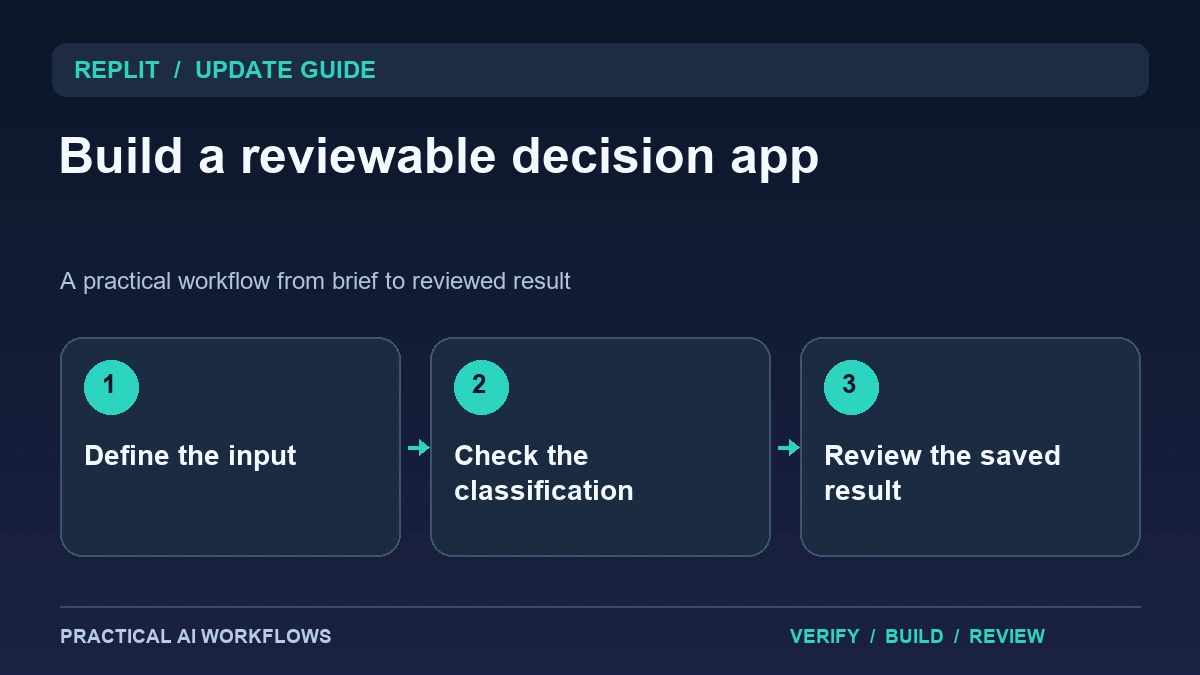
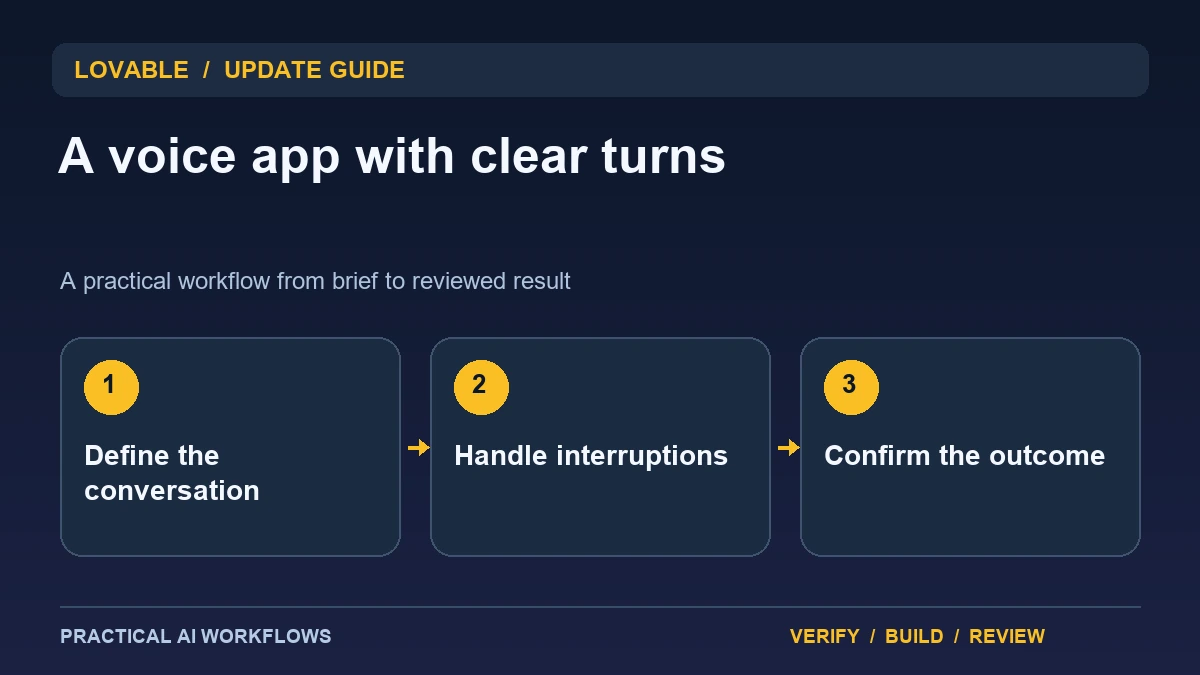
Illustration: an original editorial workflow graphic created for this article.
What Lovable's voice update adds
Lovable's October 1 changelog describes GPT Live support for live voice conversations in apps using TanStack Start. The announcement includes interruption and action-oriented conversations and notes that usage consumes credits. Check your project's framework and account access before assuming the feature is available in an existing application.
A voice app needs a conversation design, not merely a microphone button. Define the audience, task, expected information, and point where the system should confirm an action. A language practice app and a service booking assistant have very different responsibilities. Begin with one bounded conversation that can be completed without external commitments. This guide explains how to make that first experience understandable, test interruptions and failures, and evaluate whether voice actually improves the task compared with a simple form or text interface.
Map the conversation into states
Write the opening, information-gathering steps, confirmation, completion, and recovery paths. Use examples of what a person might say at each stage. Include short answers, corrections, hesitation, and requests that are outside the app's purpose. Decide when the assistant should ask one question instead of presenting several at once.
For a practice tutor, the app might ask about a daily routine, listen, and give one correction with an example. For an intake assistant, it might gather the service and deadline, summarize them, and wait for confirmation. Do not treat every utterance as permission to act. A user saying 'maybe next Friday' is not the same as approving a date. Clear states help you inspect how the generated application interprets speech and prevent a friendly conversation from hiding an unclear transaction.
Continue the workflow: Gemini Live: Practice Clear Voice Conversations.
Design visible controls around the voice experience
Show whether the app is listening, processing, speaking, or stopped. Provide clear microphone and stop controls and a text alternative for users who cannot or do not want to speak. Ask for a transcript or summary where it helps the user verify what the system heard, while avoiding unnecessary retention of sensitive conversations.
Inspect how browser permissions are requested and how the interface explains a denied microphone request. Keep the first session easy to exit. Use concise spoken replies and do not force the user to wait through a long explanation before correcting a mistake. A visual status should match the actual state rather than animating continuously. The interface is successful when the user knows what the app is doing and can recover from a misunderstanding without restarting the entire conversation.
Test interruptions and ambiguous speech
Prepare examples where the user interrupts a reply, changes an earlier answer, or corrects a misheard name. Observe whether the app stops speaking, updates the relevant information, and confirms the revised state. Try background noise and a quiet input, but use controlled fictional material instead of recording private conversations for a demonstration.
Include an out-of-scope request and a request requiring information the app does not have. The assistant should explain the limit rather than inventing an answer. Measure the time between the user's turn and the useful response, while judging clarity separately from speed. A quick incorrect interpretation is still a failure. Keep the test script and observed outcomes so you can repeat the trial after prompt or implementation changes.
A worked example: daily English practice
A fictional practice app starts by asking the learner to describe yesterday's routine in two sentences. It listens, repeats the intended meaning, and offers one short correction. The learner can interrupt and say that a word was misheard. The app should revise its interpretation before explaining grammar.
Test a very short response, a mixed-language sentence, and a request to repeat more slowly. The app should adapt its pace without claiming the learner's ability from one sample. Show the corrected sentence in text so it can be read afterward. End with a simple practice prompt and a clear stop control. This example has a manageable objective and makes the value of voice observable through comprehension and useful feedback rather than novelty alone.
Continue the workflow: ChatGPT for SOPs: Create Procedures Your Team Can Follow.
Design the moment when a voice request needs clarification
Imagine a visitor saying, “Move it to Friday,” after discussing two appointments. A voice app that immediately changes either appointment has made a decision the visitor did not clearly authorize. Design an explicit clarification: identify the possible appointment in ordinary language, ask which one the visitor means, and summarize the proposed change before applying it. The interface should display the selected item as well as speaking it. This helps the user catch a misunderstood name, time, or date while the conversation is still recoverable.
Test the clarification with interruptions. Start the confirmation, interrupt with a corrected date, and check whether the eventual action uses the corrected value. Also test a silent response, a noisy microphone, and a request outside the supported workflow. Record whether the app pauses, asks again, or hands control back to the user. Keep these outcomes consistent with the ordinary text interface. A voice feature should not bypass a permission check or validation rule simply because the instruction arrived as speech. For the first pilot, limit actions to one reversible task and retain a readable summary of the result. Expand only after users can understand and correct the conversation reliably.
Evaluate the product and its operating cost
Run the same task through voice and a text alternative. Compare completion, misunderstandings, user effort, and the amount of review needed. Check the product's usage display and current credit guidance rather than guessing cost from conversation duration. Keep test sessions short until you understand how the configuration behaves.
Before expanding, document the supported environment, conversation states, retention choices, and known limitations. Review any action that writes to another system and require the appropriate confirmation in the product flow. A useful voice app lets people complete a particular task more comfortably while keeping state and control visible. The new integration makes conversational prototypes easier to build, but dependable experiences still need clear turn design, representative tests, and a product decision about when voice is preferable to simpler input.
Frequently asked questions
When was GPT Live support announced?
Lovable's changelog dates the addition to October 1, 2026. It specifies TanStack Start apps and credit usage, so verify your project and account configuration.
Is a microphone button enough?
No. Define conversation states, confirmation behavior, interruptions, failures, and a clear exit. The visible controls should reflect what the app is actually doing.
Should voice replace all forms?
Compare it with text or form input for the same task. Voice is useful when it reduces effort without adding misunderstandings or unclear commitments.
What should happen when a user interrupts?
Test that the system stops or adapts appropriately, incorporates the correction, and confirms the relevant state rather than continuing with outdated information.
How should a language tutor give feedback?
Use short, understandable corrections and a visible example. Avoid overwhelming the learner with several issues or drawing broad conclusions from one sentence.
How can costs be evaluated?
Use a bounded trial and inspect current credit guidance and usage displays. Compare cost with completion quality and correction effort, not conversation length alone.
Resources and references
Official references checked on October 5, 2026. Consult the current documentation for access, setup and limitations.