Editorial check: October 5, 2026. Official release: September 29, 2026.
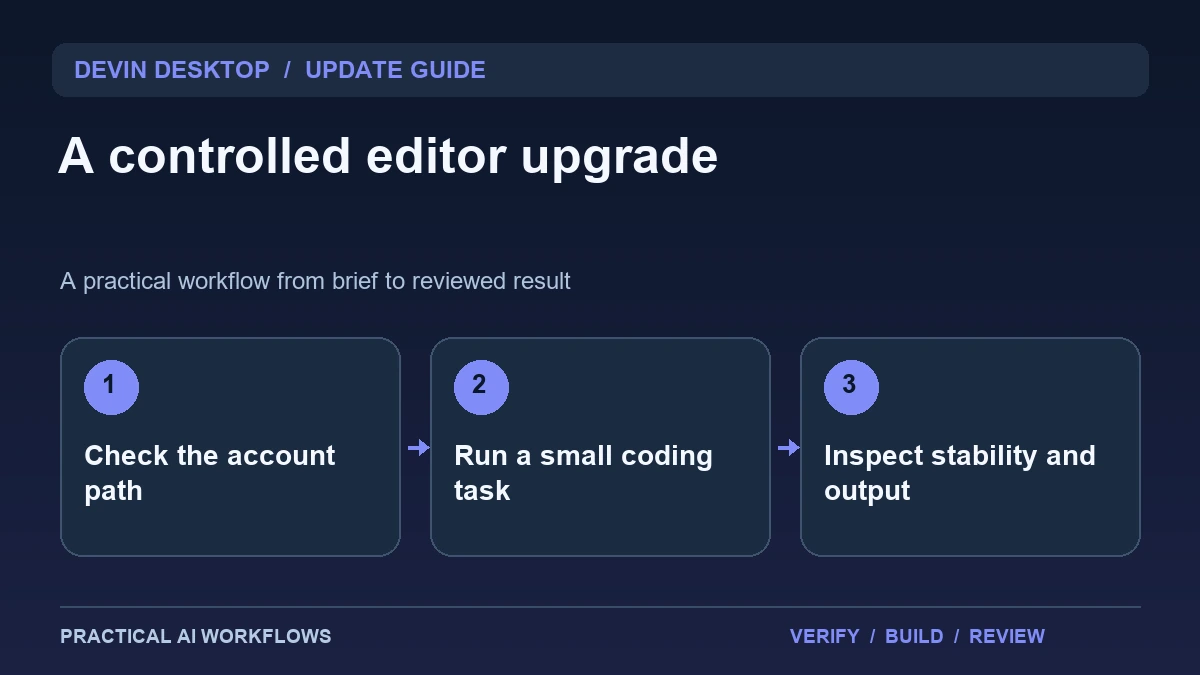
Illustration: an original editorial workflow graphic created for this article.
What the latest documented release changes
The Devin Desktop changelog identifies version 3.10.48, dated September 29, 2026, and documents sign-in with eligible ChatGPT plans for supported GPT usage. It also lists improvements to terminal-output memory behavior, multi-folder sessions, settings handling, and session polling. The former Windsurf changelog now redirects to the Devin Desktop documentation, so use the current product reference when checking versions.
An editor upgrade should be evaluated against the work it needs to support. A new account path is useful only if you understand the eligible models and where usage is accounted for. Stability improvements matter most when a real project exposes the earlier problem. Begin with a disposable checkout and a representative task. Record the installed version, account connection, model label, and any configuration differences before attributing a changed result to the release.
Confirm the account and model configuration
Follow the documented sign-in process in the editor and confirm the account you intend to use. Check the model selector and the product's current eligibility guidance. Do not assume that connecting one subscription enables every model or every execution mode. Record the billing or allowance surface you will monitor during the trial.
Keep provider configuration separate from project instructions. The project brief should explain the task and acceptance criteria, while account settings determine how the editor runs it. If an organization manages the environment, check whether its settings change available choices. Run a small request and inspect the usage display before committing to a long session. This establishes a practical baseline and makes it easier to diagnose whether a failure comes from access, a model choice, a tool connection, or the task itself.
Continue the workflow: Claude Code: A Careful Workflow for Existing Projects.
Use a reproducible maintenance task
Choose a small bug with an observable trigger. For a fictional blog, an empty search might clear a selected category. Supply the steps to reproduce it, the desired behavior, and the files the assistant should inspect. Ask for a minimal change that fits the existing architecture and avoids unrelated formatting or dependency updates.
Save the starting revision and compare the final diff. Check whether the assistant understands the project boundaries and identifies the relevant tests. Run the original trigger again after the repair. A successful explanation is not enough if the rendered page still behaves incorrectly. Keep a short review note with the changed behavior, verification, and limits. This gives you evidence about the overall editor workflow instead of judging it only by how confidently the assistant describes its code.
Inspect terminal and multi-folder behavior
A stability trial should include the kinds of output your ordinary work produces. Run a harmless command that creates a substantial log and observe whether the editor remains responsive. Do not produce an uncontrolled infinite stream merely to stress the interface. Compare scrolling, copying text, and switching between the task and terminal while the command runs.
For a multi-folder workspace, give the assistant an explicit map of which folder owns which component. Ask it to identify the relevant files before editing. Check that a new session retains the intended workspace context and does not quietly limit its view to one folder. Record observed behavior, including any remaining confusion. The goal is to determine whether the upgrade removes friction in your environment, not to convert a release-note statement into a claim that every machine is now problem-free.
A worked example: a frontend and API workspace
Imagine a fictional project with separate frontend and API directories. The requested fix adds a clear error state when article search fails. Provide the response contract and tell the assistant which component displays the message. Ask it to preserve category filters and avoid changing unrelated routes.
Review whether the agent inspects both sides of the contract. Run the API's relevant checks and inspect the frontend with a simulated failure. Save the terminal output and final diff. If the agent edits the wrong folder or assumes a response field that does not exist, revise the brief and record that intervention. The example tests context retention, implementation quality, and review effort together, while remaining small enough that another developer can inspect the result confidently.
Continue the workflow: Grok Build: Review Changes in an Existing Repository.
Recover when account access and workspace behavior disagree
A successful sign-in does not establish that the right project is open or that a particular request used the intended account arrangement. If a session behaves unexpectedly, separate those questions. First verify the account shown in the supported sign-in flow without copying credentials into a prompt. Then check the selected project directory and the model or mode shown for the request. Finally, inspect any usage or entitlement information the product actually exposes. Record what you observed rather than guessing how an unseen billing path works.
For a workspace problem, save files and record the active folders before changing settings. Reopen a minimal project and try one harmless command that produces a predictable result. If that works, restore the original project and add its folders one at a time. This can distinguish a project-specific configuration issue from a broader application problem. Avoid changing account, terminal, folder, and model settings simultaneously; doing so makes the successful change impossible to identify. Keep the diagnostic example small enough to share without private source code. A reproducible report with the application version, expected behavior, and actual result is more useful than a long transcript containing unrelated activity.
Keep an upgrade record and a fallback
Document the known-good editor version, essential extensions, project setup steps, and account configuration names. Keep actual credential values out of the record. If an upgrade disrupts the workflow, distinguish a project dependency issue from an editor regression and preserve a reproducible example for support.
Evaluate the release across a few real tasks before changing a whole team's routine. Track completion effort, unexpected edits, editor responsiveness, and access problems. Retain improvements that reduce friction and adjust the workflow where the new account path introduces ambiguity. A coding environment is useful when it helps you reach a correct, reviewable change reliably. The recent release provides options and fixes, while your own trial establishes how well those changes fit the projects and machines you actually use.
Frequently asked questions
What version does this guide discuss?
The official changelog documents Devin Desktop 3.10.48 on September 29, 2026. Check your installed version and current documentation before following account-specific instructions.
Why does the Windsurf link open Devin documentation?
The public changelog redirects to Devin Desktop's release notes. Use the current documentation to identify product naming and the relevant stable version.
Does ChatGPT sign-in enable every model?
Do not assume so. The feature has eligibility and supported-model requirements. Check the editor's documentation, selector, and usage display for your account.
What is a useful coding pilot?
Use a small reproducible bug with a minimal expected change. Inspect the final diff and verify both the original trigger and normal behavior.
How should stability be evaluated?
Use representative logs and workspace layouts, then observe responsiveness and context. Record remaining issues instead of assuming a release note guarantees identical behavior everywhere.
Should a whole team upgrade immediately?
A small pilot can reveal dependency, access, and workflow problems first. Expand once the upgrade proves dependable in representative projects.
Resources and references
Official references checked on October 5, 2026. Consult the current documentation for access, setup and limitations.