Updated October 5, 2026. A practical guide to Google AI Studio, with examples, FAQs and official resources. Check the linked product documentation for current access, setup and limitations.
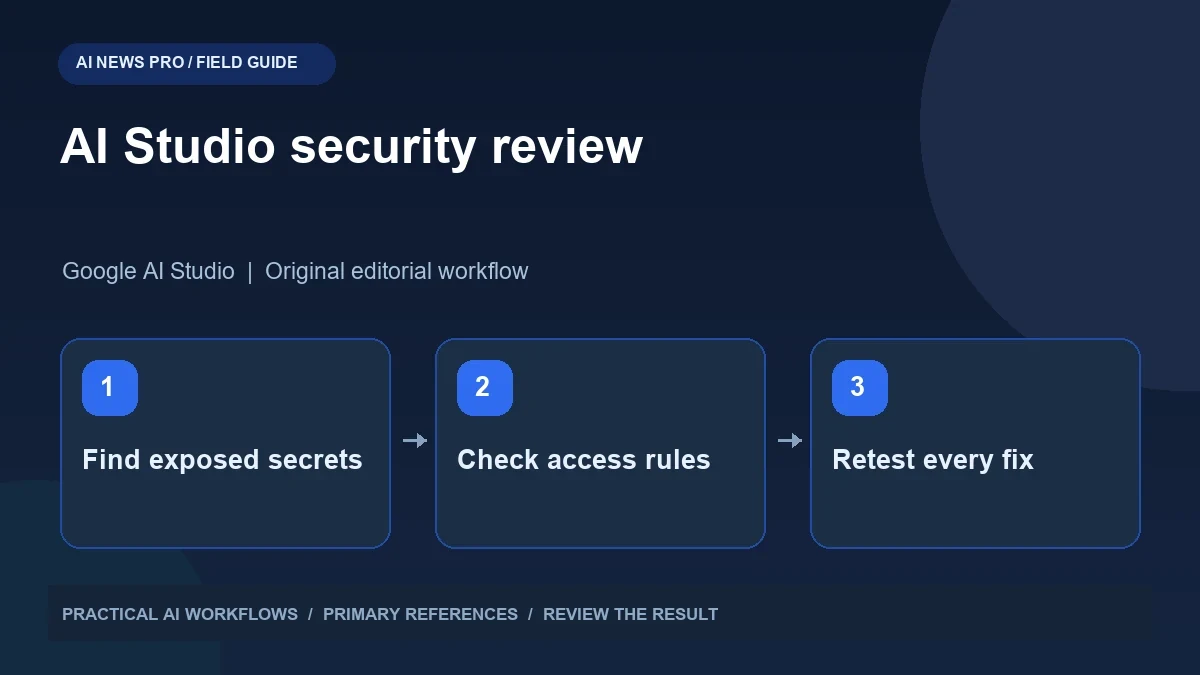
Illustration: an original editorial workflow graphic created for this article.
What an application security audit should establish
Google AI Studio can help developers prototype applications, but a generated interface still needs a careful security review. This guide examines credentials, authentication, authorization, and the tests that demonstrate whether protected actions are actually protected. A named Security Review mode has not been independently confirmed as generally available at this editorial check, so the workflow does not depend on finding that interface in your account. Use the current Google documentation for credential handling and inspect your application's real routes. The goal is a repeatable local audit with observable results, a small reviewed repair, and a record of the behavior that was tested.
The practical question is broader than a new button: how do you know whether an AI-built application protects its data? A visually convincing login screen can still leave an API route accessible without authentication. A generated environment variable can still be included in a public browser bundle. This guide offers an independent audit workflow you can use today, whether or not the reported interface appears in your account.
Start with the app's real boundaries
Write a short inventory before asking an assistant to change code. Include the pages visitors can see, routes that process requests, database tables, external services, and the location of credentials. Identify which actions belong to visitors, signed-in customers, editors, and administrators. These roles need actual server checks, not merely different buttons.
Consider a simple blog with an admin panel. Public visitors should read published articles. Editors may save drafts. Administrators may manage accounts. If the browser hides the publish button but the publish endpoint accepts any request, the boundary is missing. Describe expected behavior using examples: a logged-out request must fail, an editor must not edit administrator roles, and one customer's session must not reveal another customer's private records. This turns an abstract request to make the app secure into a list of observable behaviors.
Continue the workflow: AI Agent Cybersecurity: Defending Against Prompt Injection, Jailbreaks, and Poisoning.
Check credentials without creating another leak
Search the application and generated build output for secret-looking strings, API configuration, and copied sample keys. Inspect the browser's network requests to see whether private credentials travel to visitors. Google's API key documentation is the primary reference for current Gemini key handling; follow the guidance appropriate to the service and deployment you use.
If a real secret was exposed, moving it to another file is insufficient. Rotate or revoke it, remove the public copy, and review usage. A history or downloaded bundle may retain the old value. Use a replacement credential with the narrowest practical scope and separate development credentials from production credentials. When requesting an AI review, supply redacted examples and variable names rather than full secrets. Ask the reviewer to describe the credential path from server storage to outbound request and identify exactly where exposure could occur.
Use a focused review prompt
Give the reviewer one boundary at a time. For example: review authentication and authorization in the article publishing route; list every caller-controlled value; identify where the current user is checked; propose the smallest repair; and provide a test that fails before the repair and passes afterward. Ask it to cite relevant files and explain uncertainty.
For a form that saves customer messages, review server-side validation, output escaping, request size, and the permissions required to read saved messages. Do not ask for a wholesale rewrite of the entire app when one route is the problem. Large changes are harder to review and can remove working checks accidentally. Require a proposed change and a clear explanation of the behavior it protects. A good review produces evidence you can inspect, rather than a confident statement that everything is now safe.
Retest fixes from the wrong user's perspective
Normal testing confirms that a legitimate user can complete an action. Security testing also checks what happens when the caller has no account, the wrong role, or a modified identifier. Use a local copy and fictional data. Try opening an admin route after logout, submitting a request without the expected token, and changing a record identifier to another fictional user's record.
Inspect responses as well as screens. A page can show an error while still returning confidential data in the response body. Check that server failures do not reveal configuration or stack traces to visitors. Repeat the same tests after the fix, then verify the normal workflow still works. Save the request, expected result, observed result, and relevant code change in a short review note. This makes the audit repeatable when the application changes next month.
Continue the workflow: Claude Code Mods for Safer Tool Calls and Reviewable SEO Workflows.
A worked example to try
For a fictional customer portal, create two test accounts named North and South. Add one private record to each. Sign in as North and request South's record identifier directly, rather than using the interface. The expected result is a rejection that reveals no private fields. Next, log out and repeat a request to the publishing endpoint. Record the actual response and compare it with the intended access rule.
If a review tool proposes a repair, inspect where it enforces the rule. A change that only hides the record in the page does not address the direct request. Repeat both tests after the repair and confirm North can still read its own record. This example produces concrete evidence about authorization instead of relying on the appearance of a login screen.
Decide when the app is ready to publish
Treat a generated review as one input to your release decision. Keep a backup, deploy the repaired version to a test environment, and check the configuration used by that environment. Development settings are not automatically appropriate for a public website. Confirm that private files cannot be downloaded and that administrator actions require server-side authorization.
Prioritize issues by the data and actions they expose. A missing color contrast improvement and an unauthenticated database export are both defects, but they have very different consequences. Fix the access boundary before polishing the presentation. If the reported Security Review mode becomes available, compare its findings with your own checklist and retain the evidence for each repair. The useful outcome is an application whose important boundaries have been tested, with a person responsible for reviewing subsequent changes.
Frequently asked questions
Is the new Security Review mode confirmed for everyone?
No general release was independently confirmed at this editorial check. Consult your account and official Google documentation before assuming that the named interface is available.
Does an AI security review replace testing?
No. Use its findings to design specific tests, including requests from logged-out users and users with the wrong role. Retest the repaired application directly.
What should I do if an API key appeared publicly?
Revoke or rotate the exposed credential and review usage. Removing it from a page does not invalidate copies that may already exist elsewhere.
Can I audit an app before the feature arrives?
Yes. Inventory routes, credentials, roles, and data access. Ask for focused reviews and verify the expected behavior using fictional records in a local environment.
Why is a login screen insufficient?
The server must verify identity and permissions on protected actions. A hidden button or login page alone cannot protect an endpoint that accepts unauthorized requests.
What is the best first audit task?
Review the route with the most sensitive data or permissions, such as account management or publishing. Define allowed and rejected requests before changing its implementation.
Resources and references
Use these links to verify capabilities, access and setup. Product documentation can change after this editorial check.