Updated October 5, 2026. A practical guide to GPT-6 Astra, with examples, FAQs and official resources. Check the linked product documentation for current access, setup and limitations.
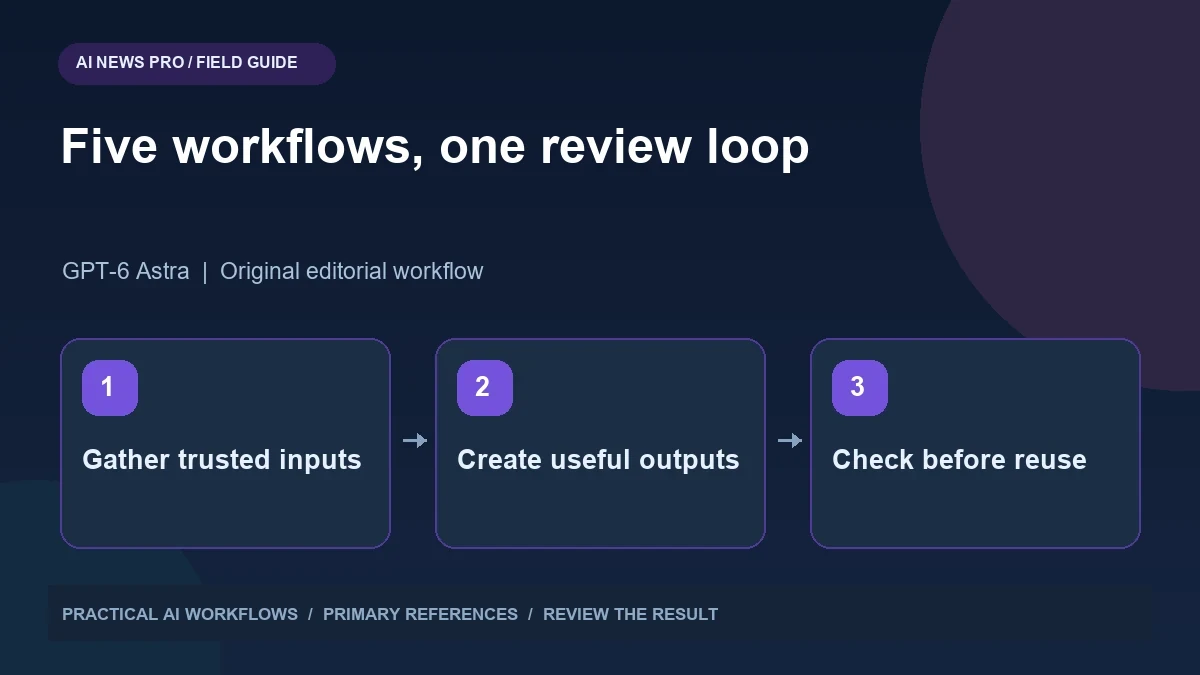
Illustration: an original editorial workflow graphic created for this article.
Build workflows around decisions
GPT-6 Astra can support workflows involving research, project memory, website prototypes, SEO opportunities, and idea development. OpenAI's model documentation describes a model intended for demanding reasoning and tool-supported work. That does not mean the model automatically has access to your files, accounts, or a persistent memory system. Those capabilities depend on the surrounding application and integrations. Use the five examples in this guide as workflow designs rather than guaranteed one-prompt outcomes. Each has concrete inputs, a reviewable artifact, and a human decision point. Start with the recurring task whose result you can evaluate most clearly, then expand only after it proves useful.
Use the five examples below as workflow designs rather than guaranteed one-prompt outcomes. Each has an input, an intermediate artifact, a review point, and a useful final output. Start with the task that already consumes time in your work. Supply concrete evidence and define what a good result looks like. This approach makes it easier to evaluate a capable model without confusing an impressive response with a dependable process.
Workflow one: a source-backed trend brief
Create a weekly brief for a specific audience, such as independent developers evaluating agent tooling. Define a time window and the kinds of developments that count: documented releases, changed pricing, new integration support, or a relevant technical paper. Ask the research process to record event dates separately from publication dates. A recent article about an older launch should not become a new release in your report.
Require a source table with the claim, primary reference, date, and uncertainty. Then ask for a concise interpretation of why each change matters to your audience. Keep speculation in a separate paragraph. Review important claims against the linked documents before sharing the brief. Save rejected candidates as well, because this prevents the same old announcement from being rediscovered next week. The useful output is a short, defensible update rather than a long list of vaguely related headlines.
Continue the workflow: ChatGPT for Research: Verify Claims and Build Useful Notes.
Workflow two: a curated project memory
Treat memory as an edited reference, not a transcript dump. Create a project record with current goals, constraints, approved decisions, terminology, and unresolved questions. Give each important decision a date and supporting context. Keep abandoned choices in a historical section so they do not appear to be current instructions.
Ask the assistant to propose memory updates after a completed task. Review those changes before accepting them. For example, a temporary workaround should not silently become a permanent preference. When starting a new session, supply the current project record and ask the assistant to identify conflicts with the new request. Keep sensitive account information out of general memory. A good memory layer reduces repeated explanation while preserving your ability to see exactly what the system believes about the project.
Workflow three: a reviewable website prototype
Prepare a website brief containing the audience, page structure, supplied copy, design direction, and expected interactions. Ask for an outline and component plan before implementation. Use a working preview to inspect layout and behavior, and keep placeholders visible where a backend or real content is missing.
After the first build, inspect narrow screens, keyboard navigation, forms, links, and the generated files. Ask for specific repairs based on observed defects. Do not allow invented testimonials or simulated submissions to masquerade as a completed business website. Save a final review note describing what works and what remains a prototype. The model can shorten the drafting and coding stages, but the reliable workflow still includes direct inspection and a clear distinction between a visual demonstration and a deployed service that handles real users.
Workflow four: an SEO opportunity queue
Use a dated export from Search Console or another source you are authorized to analyze. Identify pages with relevant impressions and questions they do not answer clearly. Ask the assistant to group related queries and explain the reader's likely need. Filter out terms that do not match your audience or offering.
Turn the selected opportunities into a queue with the existing page, missing answer, evidence, proposed change, and success measure. Prefer improving a relevant page over generating another overlapping article. Review the content using primary references and your own examples. After publishing, compare sensible time periods and record other changes that may affect results. The useful output is an editorial decision queue grounded in evidence. It is not a promise that a model-generated article will achieve a particular position or traffic total.
Continue the workflow: Hermes Agent and Search Console: Find SEO Opportunities Without Inventing Results.
A worked example to try
A small fictional agency could start with only the research and idea workflows. Its weekly brief tracks documented changes in tools used by designers. The idea queue turns recurring questions from that brief into possible tutorials, each with an audience and a cheap validation step. The memory record stores approved terminology and current editorial priorities.
At the end of two weeks, review which briefs actually changed a decision and which ideas received useful feedback. Remove categories that produced noise. Do not add a website builder or SEO automation merely to complete a five-part system. The value comes from the work the agency needs. This example shows how a capable model can support a modest, understandable process before any larger orchestration is justified.
Workflow five: an idea system with an evidence gate
Collect ideas from real conversations, support questions, research notes, and recurring workflow problems. Ask the assistant to cluster them and describe the audience, proposed value, cheapest experiment, and evidence needed to continue. Score ideas against your actual constraints, such as available time and access to users, rather than against excitement alone.
Choose one small experiment and define a stopping rule. A new reporting tool might first be tested as a manual sample report shared with a few intended readers. Record their reactions and whether it changes a decision. Feed that evidence back into the idea record. Combine the five workflows through an edited project memory and a short review checklist. Research supplies evidence, ideas produce experiments, prototypes make them tangible, and measurement determines what deserves another iteration. Keep human judgment visible at each transition.
Frequently asked questions
Does the model automatically remember my projects?
No. Persistent memory depends on the application. Maintain an explicit project record and review updates so outdated assumptions do not become current instructions.
What is the easiest workflow to start with?
Choose a recurring task with clear inputs and a reviewable output, such as a weekly source-backed brief or a small editorial opportunity queue.
Can GPT-6 Astra create video directly?
Do not assume native video generation from this model. Consult the model documentation and use suitable connected tools when a workflow needs media generation.
How do I reduce invented research claims?
Require primary references, event dates, and an uncertainty field. Check important statements directly instead of relying on confident wording or a plausible citation.
Should all five workflows be automated immediately?
No. Run them manually first and identify where judgment or missing information is essential. Automate stable steps after the outputs prove useful.
What makes an idea worth pursuing?
Use evidence from intended users and a small experiment with a stopping rule. A detailed AI-generated plan alone does not demonstrate demand.
Resources and references
Use these links to verify capabilities, access and setup. Product documentation can change after this editorial check.