Editorial check: October 5, 2026. Official release: October 1, 2026.
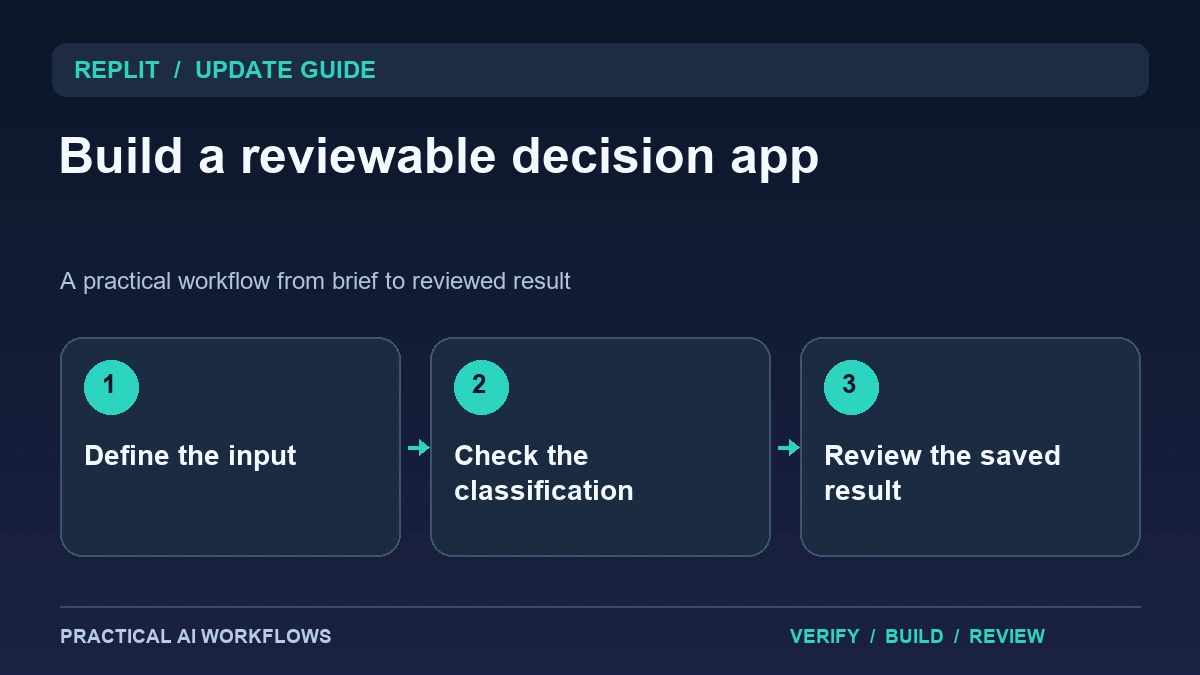
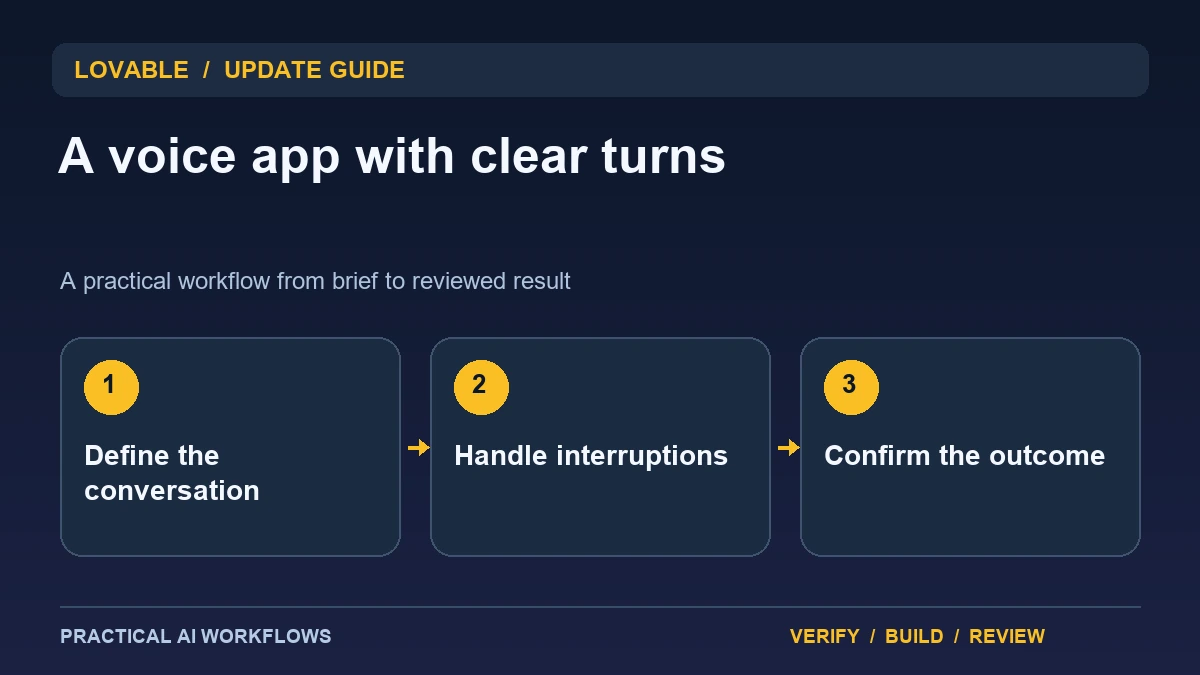
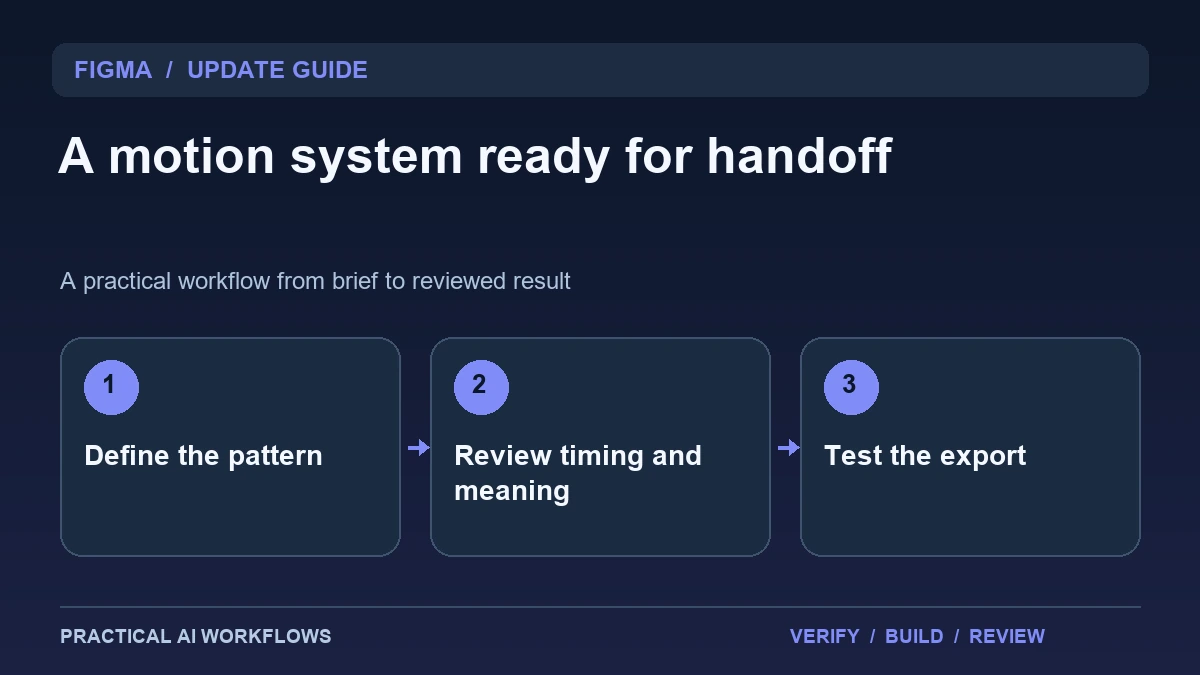
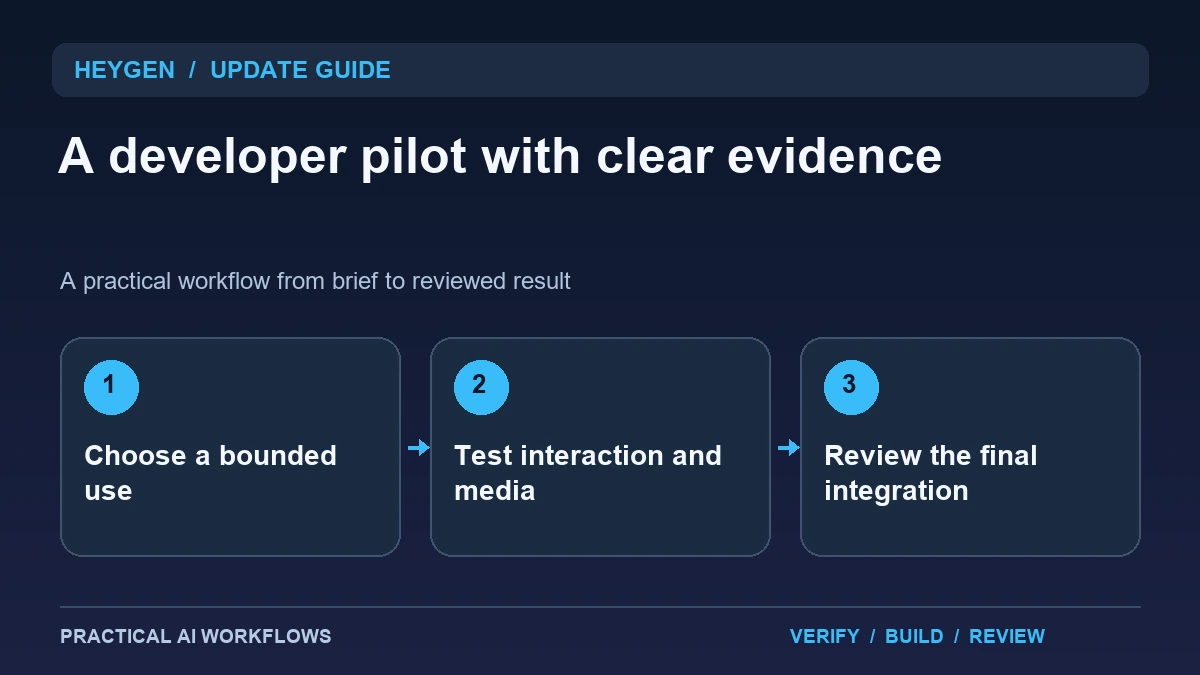
Illustration: an original editorial workflow graphic created for this article.
What the official update index announces
HeyGen's official product-update index dates its September roundup to October 1, 2026. The summary highlights an open-source real-time avatar stack, the Code2Video Benchmark for AI-generated motion graphics, and Professional Voice Clone in the API. These are different capabilities and should be evaluated separately rather than treated as one automatic video-production system.
Start with the job that matters to your product. A live conversational avatar needs interaction tests, while a generated explainer needs a media review and export checks. A benchmark can inform investigation, but it does not establish performance on your own scripts or layouts. This guide explains a small developer pilot that separates interaction, generation, and delivery, with clear evidence at each stage and no assumption that a convincing demo is ready for real users.
Define the product role before the avatar
Write what the avatar should help someone accomplish and what information it may use. For a fictional training assistant, the job might be explaining an approved procedure and asking a few practice questions. It should not invent company policy or act as an authority for material outside the provided scope.
Define the opening, turn-taking, correction, refusal, completion, and stop behavior. Decide whether the user needs a transcript or text alternative. Keep the pilot short and use fictional or approved content. A realistic face does not establish useful assistance. The product role should be understandable even if the same conversation is delivered in text, making it easier to determine whether the avatar adds value or merely adds production complexity.
Continue the workflow: HeyGen Explainer Videos: Write, Build, and Review Each Scene.
Evaluate live interaction with a scripted trial
Prepare a test script containing a normal question, an interruption, a correction, silence, and an out-of-scope request. Observe timing and whether the spoken answer matches the approved material. Test how the interface shows listening, processing, and stopped states so the user can tell what is happening.
Inspect what the application records and where that information goes. Keep private conversations out of early development samples and document retention choices. If a user changes an earlier answer, check that the system updates the relevant state rather than continuing with an outdated assumption. Save observed failures alongside successes. A dependable interaction should remain understandable when speech is imperfect and should provide a simple way to stop or recover without forcing the user through a long scripted sequence.
Keep API media generation and evaluation separate
For a generated video workflow, prepare a script, asset list, destination, and review criteria. Inspect the request and resulting media using the current API documentation for your selected capability. Record the actual parameters and output rather than assuming every feature in the web product has an identical API path.
When considering a benchmark, check what it measures and whether its tasks resemble your intended content. Use your own examples with known requirements. A short motion graphic might need precise text, brand colors, readable pacing, and a final export that plays correctly. Review those dimensions directly. The useful comparison is the work required to reach an accepted asset, including corrections and failed attempts, rather than a score detached from the product you are building.
A worked example: a fictional onboarding assistant
A fictional team's pilot explains how to submit a design brief. It uses approved instructions and asks the learner to identify the required assets. The user interrupts to clarify one term, then asks a question that is not covered by the procedure. The assistant should acknowledge the gap and direct the learner to the appropriate next step instead of inventing a rule.
Review the interaction with a text alternative and ask whether the avatar helps comprehension. Separately generate a short explainer using the same approved content and inspect its script and final media. Keep these two trials distinct. The example provides evidence about both live assistance and produced video without allowing success in one mode to imply success in the other.
Continue the workflow: ElevenLabs MCP: Plan an AI Video Studio from Script to Reviewed Export.
Plan a clear handoff when an avatar cannot resolve the request
A conversational avatar can make an interaction feel continuous even when the underlying workflow has reached its limit. Consider a fictional visitor asking for an exception to a policy the application cannot change. Design a plain response that explains the supported next step and offers an appropriate handoff. The interface should show the handoff destination and the information being carried forward. Avoid asking the avatar to improvise a promise on behalf of a team that has not approved it.
Test the boundary using a request inside the supported task, one just outside it, and one that is ambiguous. Review the answer, visible state, and any backend action together. Check what happens when the connection ends during a turn or when the visitor declines to continue. For a developer pilot, use synthetic records and a short scenario before connecting a real operational system. Keep a transcript or structured event record only where the application's policy permits it, and make the review purpose clear. A successful avatar evaluation should demonstrate understandable answers, predictable handoffs, and consistent permission checks. Visual realism alone does not show that a visitor received correct information or that the system acted within its intended responsibilities.
Decide what deserves a production integration
Review correctness, latency, recovery, accessibility, configuration effort, and the experience of intended users. Confirm consent and authorization for any voice or likeness used. Keep synthetic media from being presented as an authentic statement by someone who did not make it.
Document the accepted use case, source material, integration boundaries, tests, and limitations. Start with a controlled audience and inspect failures before broadening the deployment. If the avatar does not improve the task, a simpler text or prerecorded workflow may be easier to maintain. The update opens several developer possibilities, while a useful implementation still depends on a defined role, representative evaluation, and a review process that distinguishes an engaging performance from a correct and dependable result.
Frequently asked questions
When was the developer roundup published?
HeyGen's official product-update index dates the September 2026 roundup to October 1. The index summary identifies the capabilities discussed in this guide.
Are real-time avatars and generated videos the same workflow?
No. Live interaction requires turn-taking and recovery checks, while produced media needs script, visual, sound, and export review.
Does a benchmark prove my app will work?
No. Inspect its scope and test examples from your own intended use. Evaluate correction effort and final output against explicit requirements.
What should a first live trial include?
Use normal questions, interruption, correction, silence, and an out-of-scope request with approved material. Observe both answer quality and interface state.
Can any voice be cloned for a pilot?
Use voices and likenesses you are authorized to use and follow the service's requirements. Synthetic media should not be misrepresented as an authentic personal statement.
How should the production decision be made?
Compare usefulness, correctness, recovery, accessibility, and maintenance effort. Keep the integration small until its value is demonstrated with intended users.
Resources and references
Official references checked on October 5, 2026. Consult the current documentation for access, setup and limitations.