Editorial check: October 5, 2026. Official release: September 30, 2026.
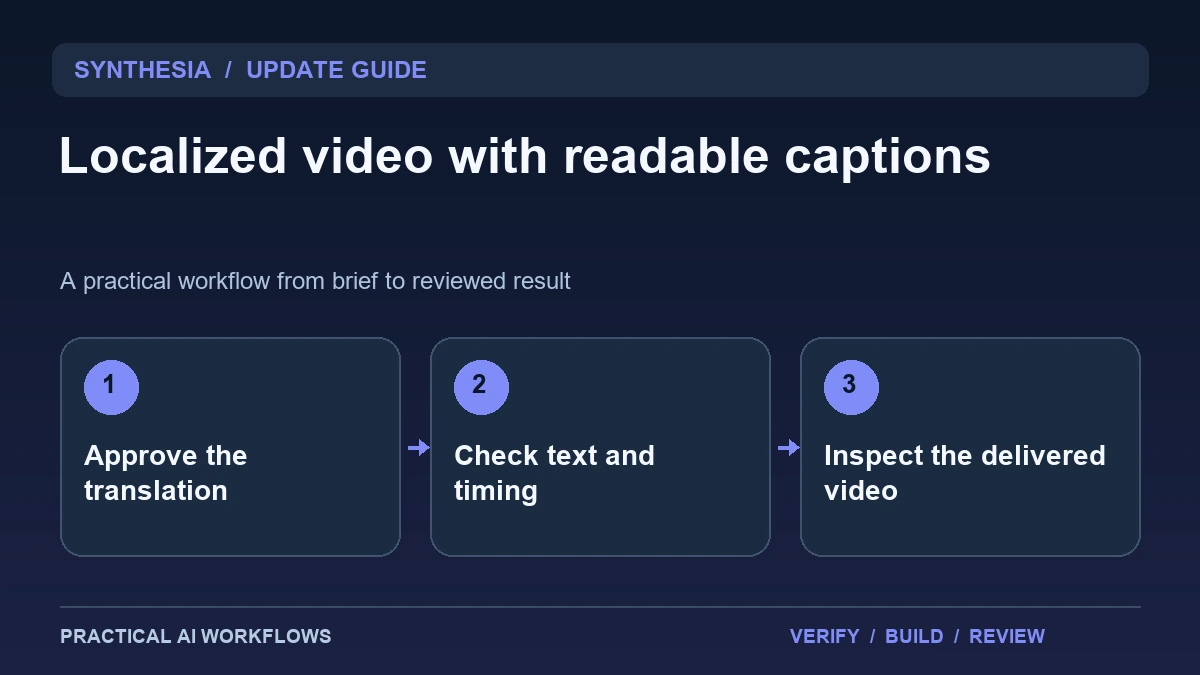
Illustration: an original editorial workflow graphic created for this article.
What the caption update changes
Synthesia's September 30 update adds burned-in captions to dubbed videos. Its recent release list also documents WebP uploads and improved resolution choices for generated B-roll. The caption addition is especially useful when a localized video needs to remain understandable with sound off, but a visible subtitle does not establish that its translation or timing is correct.
Start with an approved source script and a clearly defined audience. Decide which language version, destination, and caption behavior the project needs. A training video, social clip, and internal announcement can require different reading speed and layout. This guide explains how to review meaning, readability, synchronization, and the final delivered file. The objective is an accessible, maintainable localized asset rather than an automatic assumption that adding captions finishes the production process.
Approve meaning before rendering the text
Review the translated script with someone qualified to judge the language and subject. Check terminology, names, numbers, dates, and instructions. Preserve the meaning of qualifications and limits, particularly when a shorter phrase would change what the source actually says. Keep an approved text version and the corresponding source script together.
If the translated wording is longer, revise the presentation deliberately rather than cutting essential content to fit a box. Identify terms that should remain unchanged and define how they are pronounced or displayed. A smooth voice or polished subtitle style can make an incorrect phrase feel authoritative. Translation review should therefore happen before visual acceptance. The recorded approval gives later editors a reliable reference and helps separate a content correction from a layout or timing repair.
Continue the workflow: HeyGen Explainer Videos: Write, Build, and Review Each Scene.
Design captions for the actual placement
Inspect line length, contrast, font size, and placement at the intended viewing size. Keep the text clear of controls, faces, diagrams, and important labels. Review a phone-sized version if that is where viewers will encounter the asset. A caption that looks clear in a large editor may be difficult to read after export or platform compression.
Choose whether burned-in captions are appropriate for the destination. They become part of the image rather than a separate display option, so an error may require a revised video export. Plan how you will update the asset when a term or instruction changes. Keep essential information in a written reference where the audience needs to revisit it. Good caption design supports comprehension while preserving the visibility of the evidence and examples shown in the video.
Review timing against speech and visual actions
Watch the localized version while reading the approved script. Check that text appears with the relevant spoken phrase and stays long enough to read comfortably. Inspect scene changes and pauses, where captions can feel rushed or remain on screen after the context has changed.
Then watch without sound and evaluate whether the meaning is still clear. A tutorial may rely on a screen action that the captions fail to explain, while a presentation may contain a chart whose label needs translation too. Review the entire communication, not only the subtitle line. Record each issue with a scene or time reference and distinguish wording, timing, and layout problems. This makes revision focused and provides evidence that the final localized version serves its intended audience.
A worked example: a short onboarding procedure
A fictional company prepares a video explaining how to submit a project brief. The approved script contains three steps and a reminder about required assets. A reviewed translation preserves the distinction between required and optional material. The localized video receives captions and is tested on a phone with sound muted.
One caption overlaps the example form, so the editor changes its placement. Another line appears too briefly, so the scene pacing is revised. A learner unfamiliar with the procedure watches the final version and identifies the three steps. The test reveals whether the captions support the task, rather than merely confirming that text is visible. Save the approved translation and accepted export for later updates.
Continue the workflow: Descript's Caption and Audio Update: Build a Clearer Tutorial Editing Workflow.
Resolve a caption that conflicts with the localized meaning
A translated caption may fit neatly on screen while expressing the wrong action. In a fictional training video, “close the account” and “close the account window” have very different consequences. Give a reviewer the source sentence, localized audio, caption, and surrounding demonstration. Ask them to verify the intended instruction rather than checking isolated spelling. When a correction changes sentence length, inspect its timing and line breaks again. A semantically correct revision still needs enough display time to be read.
Create a small glossary for product names, interface labels, and terms that should remain consistent throughout the video. Compare those terms with the actual localized interface where one exists. If a label is different on screen, explain the relationship in the script or revise the demonstration. Watch the finished video without audio and identify any action that depends on a spoken explanation absent from the captions. Then listen with the screen hidden and check whether the narration has enough context. These passes reveal different gaps. Save the reviewed language version with the reviewer and date so future edits do not silently replace it with an unverified alternative. The final deliverable should remain understandable in the viewing conditions its audience actually uses.
Maintain localized assets as a versioned set
Use clear names for source language, target language, revision, and approval state. Keep all versions tied to the same current procedure so an old translation does not remain published after the source changes. Record the reviewer and date for important wording decisions.
Inspect the final file outside the editor and confirm caption appearance, audio, cropping, and playback. Keep a checklist of related labels, graphics, and written references that need updating with the video. Measure review and revision effort across a few projects before scaling production. The update makes caption delivery easier, while the dependable workflow still requires approved meaning, destination-aware design, and a final check of the exact file viewers receive. Clear versioning turns a one-time translation into content the team can maintain responsibly.
Frequently asked questions
When were burned-in captions announced?
Synthesia's official product-update list dates the addition for dubbed videos to September 30, 2026. Check current access in your account.
Do captions prove the translation is correct?
No. Review meaning, terminology, names, and instructions against an approved script before accepting the visual result.
What does burned-in mean for revisions?
The captions become part of the video image. Plan for a new export when a text correction is needed and retain an editable source version.
How should silent viewing be tested?
Watch at the intended size without audio and ask whether the viewer can understand the message and actions. Inspect graphics as well as subtitle text.
Should one layout serve every destination?
Check each intended placement. Cropping, interface overlays, compression, and phone size can change readability even when the editor preview looked clear.
How should language versions be maintained?
Tie them to the source revision, record approvals, and update related graphics and written references together when the underlying procedure changes.
Resources and references
Official references checked on October 5, 2026. Consult the current documentation for access, setup and limitations.