Updated October 5, 2026. A practical guide to Claude Code, with examples, FAQs and official resources. Check the linked product documentation for current access, setup and limitations.
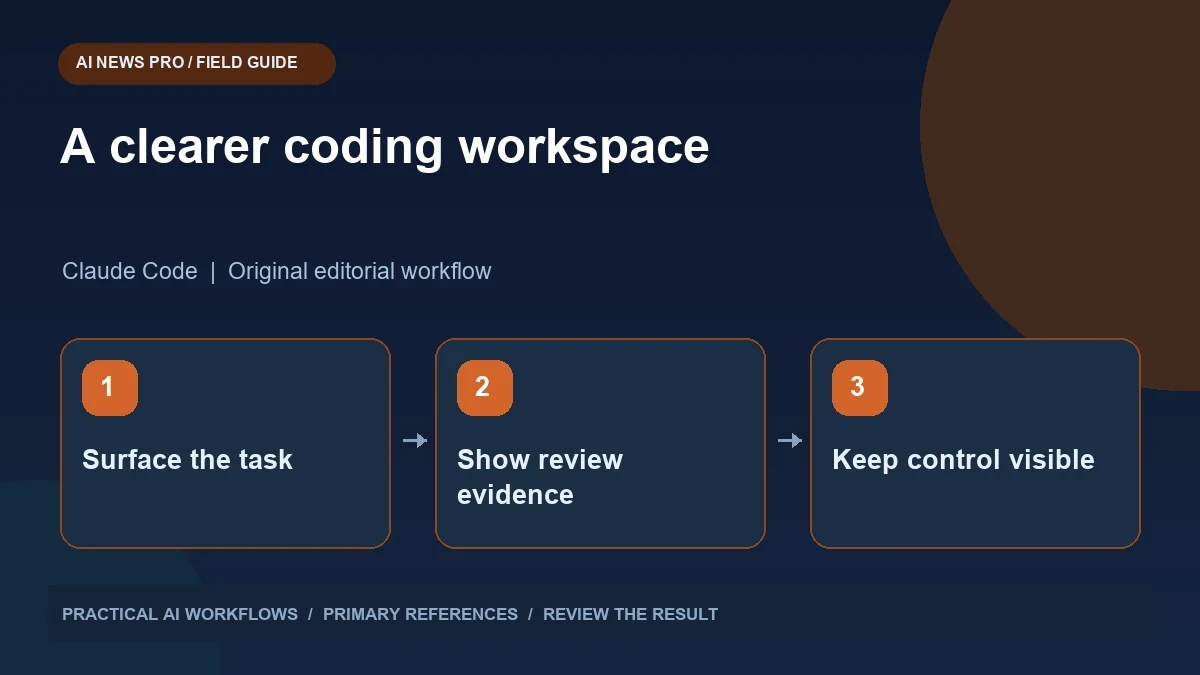
Illustration: an original editorial workflow graphic created for this article.
Why the interface deserves its own design
Claude Code Mods provide options for customized controls around coding work. Anthropic's October 1 announcement describes extensibility that includes user interface elements alongside prompt and tool behavior. The practical design question is what a custom interface should show so a developer can make better decisions. Begin with a repeated difficulty, such as finding acceptance criteria or identifying whether a test result applies to the latest edit. A useful panel makes that information easier to inspect and preserves access to the underlying logs. This guide develops a small interface around task state, changed files, and verification evidence instead of filling the workspace with activity indicators.
Start with a real annoyance. Perhaps you repeatedly scroll backward to find the current acceptance criteria, or you cannot tell whether a test result belongs to the latest edit. A useful extension brings that missing context into view. It does not need to fill the screen with activity indicators. Sketch the smallest display that would have prevented a recent mistake, such as a task summary next to the affected files. Build around that example and keep the original terminal available for examining detailed output.
Choose three decisions the panel should support
A practical review panel can answer three questions: what is the agent trying to change, what has actually changed, and what evidence supports completion? Show a short task statement with explicit acceptance criteria. Display affected paths and a compact summary of the latest diff. Then show verification results with the command, exit status, and the revision or timestamp those results apply to.
Avoid treating a green icon as sufficient evidence. If the assistant ran a test before the last edit, that test does not prove the current code works. A stale result should visibly remain stale. For a documentation task, verification might be a link check and a rendered preview. For an API change, it may be a targeted integration test. The interface should reflect the task's actual evidence rather than imposing one universal progress meter on every project.
Continue the workflow: Claude Code Mods for Safer Tool Calls and Reviewable SEO Workflows.
Prototype the layout before writing an extension
Create a simple mockup using a fictional task: add an article search field, preserve existing category filters, and return an empty-state message for no matches. Put the acceptance criteria at the top, affected files in the middle, and verification evidence below. Ask a teammate to describe what remains unfinished using only that display.
If they cannot distinguish implementation from validation, change the labels before implementing anything. Use ordinary language such as 'Edited files' and 'Last checked version.' Separate an agent's plan from a result observed by a tool. Add a clear path back to full logs. Small interfaces succeed when they save interpretation effort. A custom pane that repeats the entire conversation in smaller text adds noise and creates another place where stale information can appear authoritative.
Connect actions to narrow, observable operations
A button should have a specific meaning. 'Run article search checks' is clearer than 'Fix everything.' Define which command it runs, where it runs, and what output becomes visible. Keep actions that inspect code separate from actions that change files. For repeated project tasks, use scripts checked into the repository so other developers can inspect and reproduce the same operation.
Test each action on a disposable checkout before using it during ordinary work. Try missing dependencies, a failing command, and a cancelled run. The display should show these conditions plainly instead of preserving a previous success badge. Do not insert credentials into labels or logs. If an operation needs configuration, expose the variable name and whether it is present, while keeping its value private. Review the extension itself because its behavior becomes part of the developer's working environment.
Make review and handoff easier
A custom interface is particularly valuable at handoff. Imagine opening a task after another person has worked on it. You need the intended behavior, the final diff, the verification performed, and any unresolved question. Arrange the panel so those items remain understandable after the live conversation ends. Include a short completion note that can be copied into a pull request without copying raw logs.
For a bug fix, describe the trigger and corrected behavior: searching with an empty query previously cleared the category; it now preserves the selected category. Attach the relevant test result and any limit, such as browser testing performed only at desktop width. This is more useful than a list of every command the assistant attempted. Keep historical output available, but make the current review state easy to find and avoid presenting abandoned approaches as final implementation details.
Continue the workflow: Claude Code: A Careful Workflow for Existing Projects.
A worked example to try
A fictional search feature gives you a useful panel prototype. Display three acceptance criteria: preserve the category selection, return relevant article titles, and show an understandable empty state. After a code edit, mark verification as pending. When the check runs, associate its result with the current file state and show the command that produced it.
Make another small edit and confirm the old green status no longer implies the new version is checked. Open the detailed output from the panel and verify it matches the summary. This deliberately simple exercise tests the interface's most important promise: it should help a reviewer see the relationship between a change and its evidence. Only then add more complex controls or presentation features.
Measure whether the custom interface helps
Run a small comparison across several routine tasks. Record how long it takes to identify unfinished work, whether reviewers miss stale tests, and how often someone needs to search the conversation for acceptance criteria. Compare the custom display with the ordinary terminal workflow. Include at least one failing task, because a panel can look excellent when everything succeeds and become confusing precisely when it matters.
Keep the extension if it measurably improves review or reduces repeated manual steps. Remove controls that nobody uses. Document its installation, project assumptions, and the source of every displayed status. A clean interface should support judgment, not replace it. The most useful outcome from the new customization options is a workspace where the developer can see what changed and why it is ready, while retaining direct access to the underlying files and evidence.
Frequently asked questions
What is the best first custom panel?
A compact task and verification panel is a useful starting point. It should show acceptance criteria, edited files, and whether checks apply to the latest changes.
Should a panel display every tool call?
Usually a summary is easier to review. Keep full logs accessible and surface the calls that explain a change, a failure, or an unresolved decision.
Can a green badge prove the task is complete?
Only if its meaning is clear and the evidence is current. A successful check from before the latest edit should be marked as stale.
How should I design buttons?
Give each button a narrow purpose, a visible command or operation, and clear results. Test cancellation and failure behavior before depending on it.
Does customization remove the need to review code?
No. Review the final diff and relevant verification. A custom interface organizes that evidence; it does not independently establish correctness.
How do I know the extension is worthwhile?
Compare review time and missed issues across representative tasks. Keep features that improve decisions and remove controls that add little value.
Resources and references
Use these links to verify capabilities, access and setup. Product documentation can change after this editorial check.